
Who owns it?
The member list, statements and the books belong to the club. The board should see that stated plainly.
Contact Us Now To Learn More About Cloud Solutions

Club Steward is club management software in which the club owns its data. Reports and lists export to CSV, scheduled reports arrive by email, and APIs and MCPs are available to connect to Club Steward.
The member list, every statement, the ledger and the history behind them are the club's memory. These are the questions worth asking before the club signs for any system.
The member list, statements and the books belong to the club. The board should see that stated plainly.
A club needs to be able to export its own records in a format a controller can open.
A club's reporting, its website and its other systems may all need the same member and ledger data.
Owning data also means controlling it: who can read it, who can change it, and a record of who did.
The club owns its data in Club Steward. Reports and lists export to CSV, scheduled reports arrive by email, and APIs and MCPs (Model Context Protocol) are available to connect to Club Steward. Access is controlled by the club, permission by permission.
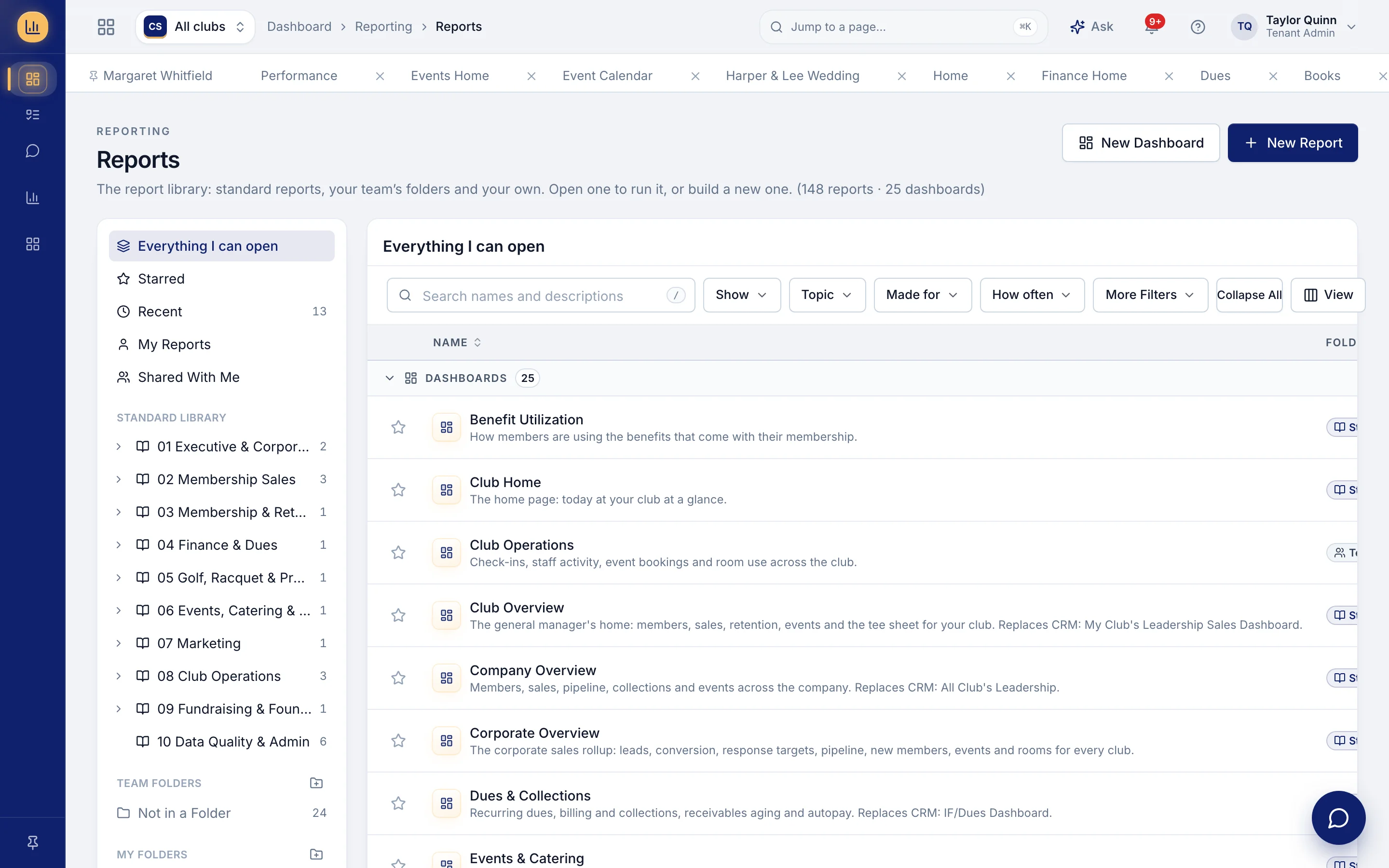
Club Steward modules

Screens show a sample club with fictional people and figures.
Golf and country club management software · Jonas Club Software alternative for private clubs · How to migrate off Jonas club software
Your data comes in as standard files, with no integration with the old system.
Under NDA, send your chart of accounts and a current trial balance. Our team returns a written findings report within 48 hours.
Run four standard exports from your current system: member statements, A/R aging, the trial balance and the roster.
Ardn's team runs the migration with white-glove onboarding. No integration with the old system is needed.
Permissions are granted per role and per person, each explained in plain words, with a Who Can Do What view of the result.
The club goes live on a readiness checklist. Reports and lists export to CSV and every staff action is in the audit log from the first day.
Step one costs nothing. Your chart of accounts and trial balance reviewed by our team, with a findings report within 48 hours.
Yes. The club owns its data in Club Steward.
Reports and lists export to CSV, and scheduled reports arrive by email. Financial statements export to PDF and CSV, and ledger and member data can be sent to the club's reporting warehouse on a schedule.
Yes. APIs and MCPs (Model Context Protocol) are available to connect to Club Steward.
Club-level isolation is enforced inside the database with row-level security on every table. On top of that are more than 550 individual permissions, field history on every tracked field, an audit log of staff actions and a 30-day recycle bin. Members and anything with money or signatures behind it can never be deleted, and payments are PCI compliant.
From standard exports: member statements, A/R aging, the trial balance and the roster. No integration with the old system is needed, and Ardn's team runs the migration with white-glove onboarding.
Your chart of accounts and trial balance reviewed by our team, with a findings report within 48 hours.
What the Financial Readiness Review flags
We send the NDA first. Once it's signed, share your chart of accounts and trial balance and your Readiness Review comes back within 48 hours.
Start with a review of your chart of accounts and trial balance, under NDA. The findings report is yours within 48 hours.
(407) 815-5303contactus@ardncloudsolutions.comArdn Cloud Solutions · Orlando, FL
Related: Golf and country club management software · Jonas Club Software alternative for private clubs · How to migrate off Jonas club software · Club software for board-run clubs with no GM