
A store your brand owns
Catalog, cart and checkout themed to your brand and hosted in your org.
Contact Us Now To Learn More About Cloud Solutions

Sell products, memberships and appointments from a store in your own brand. Every order, member and booking lands on the customer record your team already uses, with no sync and no second system.
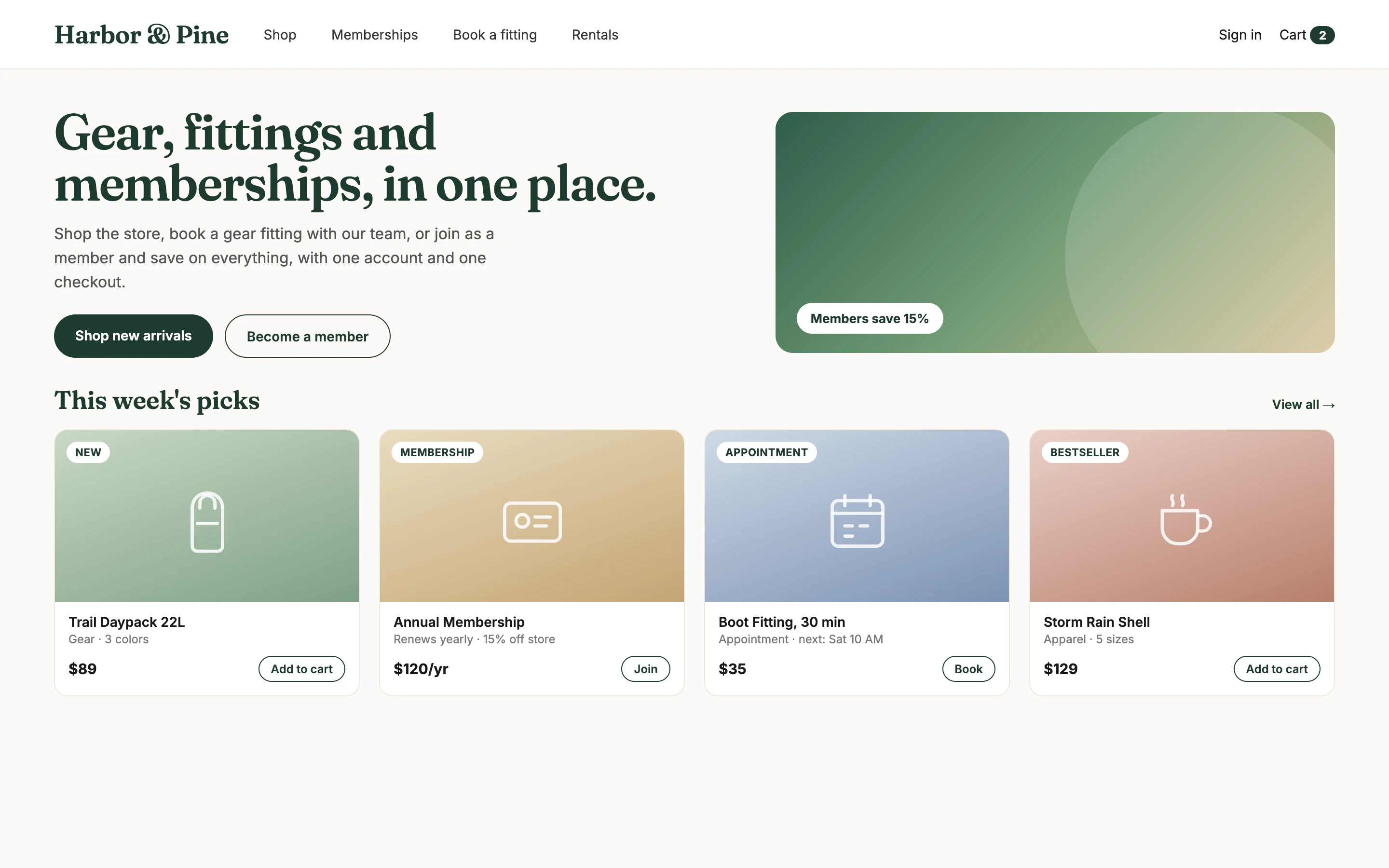
Screens show a sample store with fictional products and customers.
Most businesses on Salesforce sell through a separate platform, then spend time and money keeping the two in step.
Customers exist once in the store and again in Salesforce.
Integrations drop orders, duplicate contacts and need constant fixing.
Sales and service can't see what a customer bought or booked.
Another platform subscription, app fees, and the integration on top.
Because the store runs inside Salesforce, every team works from the same up-to-date record.
Catalog, cart and checkout themed to your brand and hosted in your org.
Sell memberships that renew and appointments that book staff time.
Every order, payment and fulfilment status is a Salesforce record.
Member pricing, discount codes and segment offers from CRM data.
What your customers see, and what your team sees in Salesforce a second later.
Products with variants, memberships and bookable appointments side by side, with member pricing applied automatically when customers sign in.
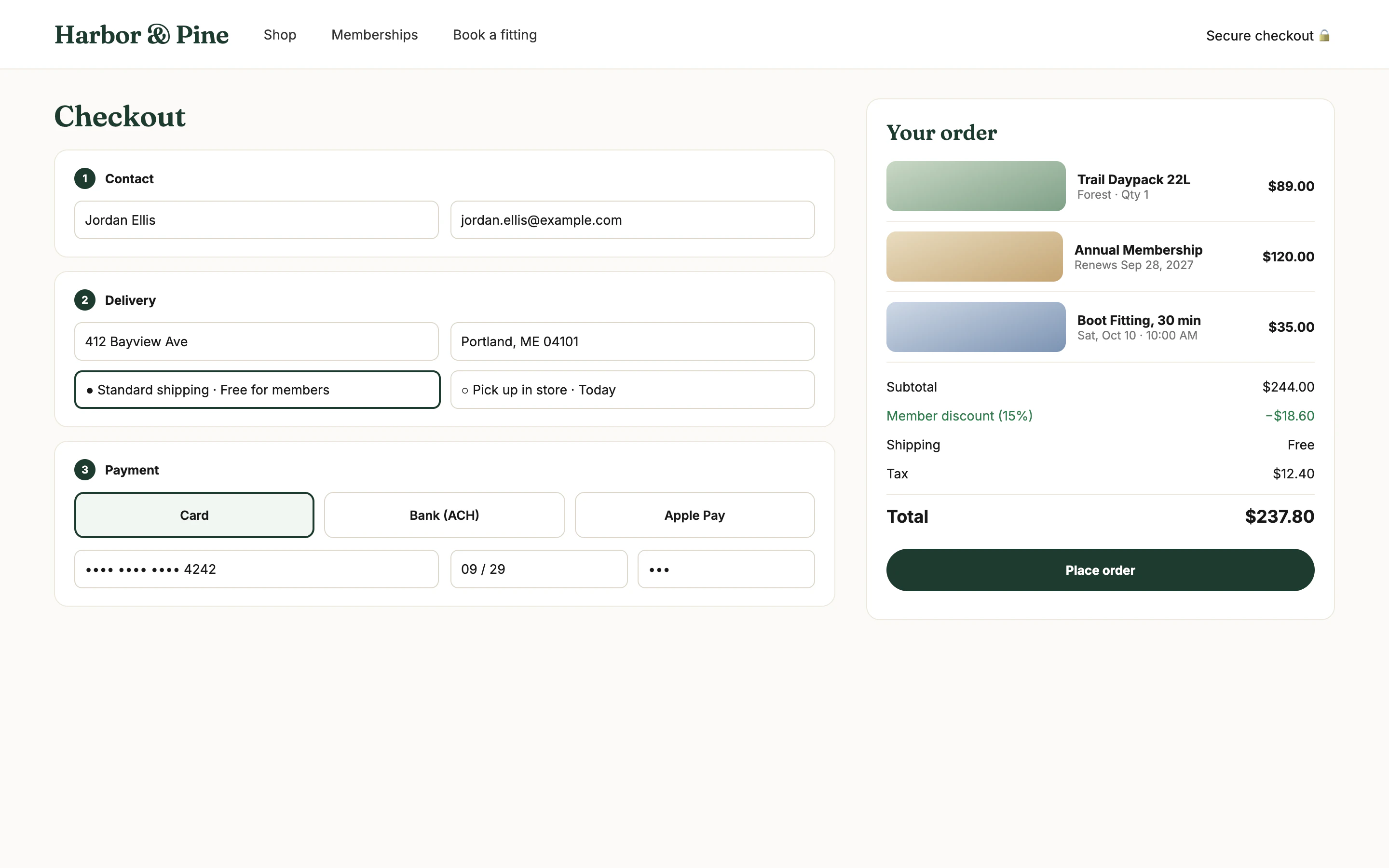
A product, a membership and an appointment in a single order, paid by card, bank transfer or digital wallet, with delivery or in-store pickup.
Revenue, orders, active memberships and low-stock alerts, with every order showing its channel, payment and fulfilment status.
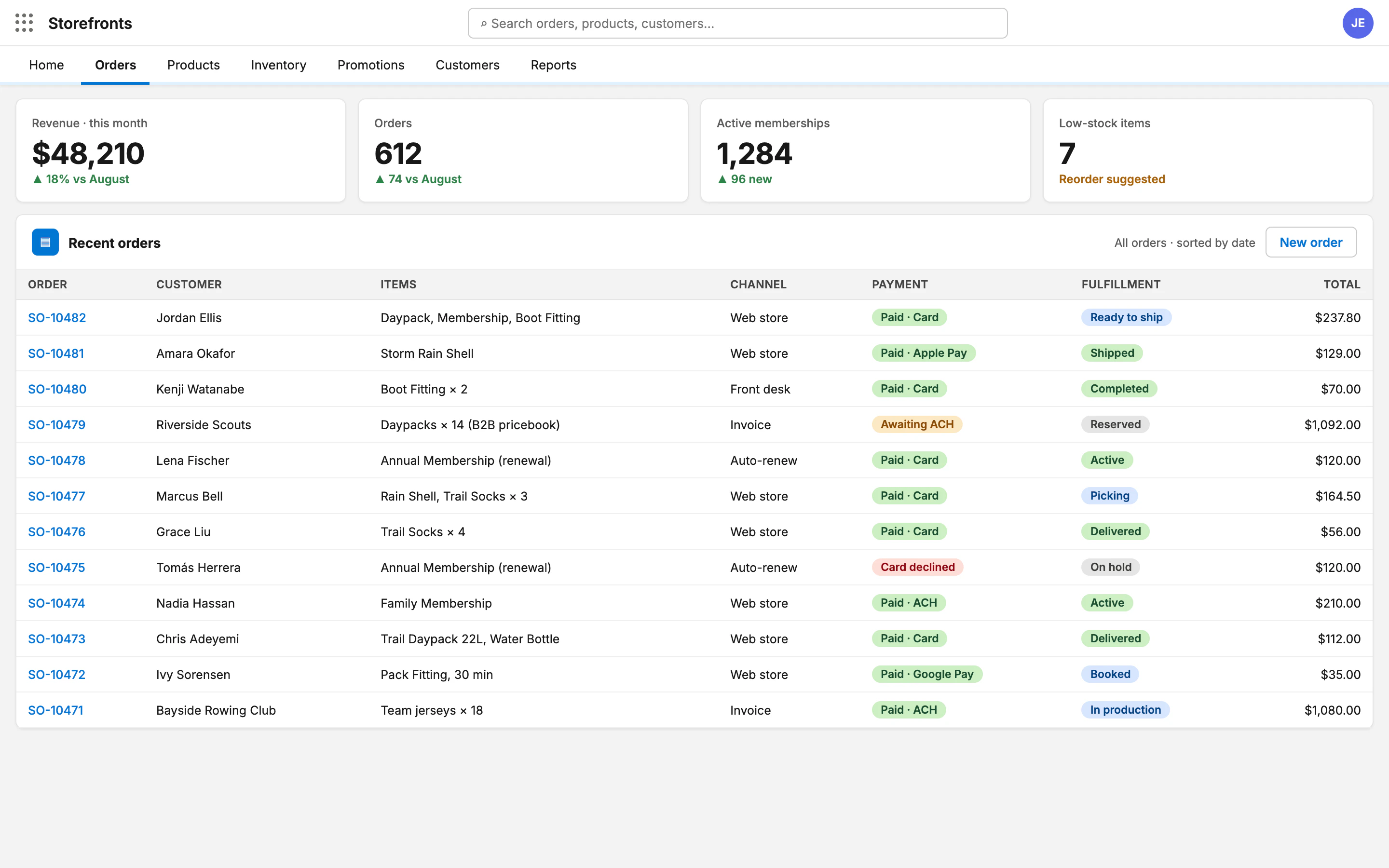
Screens show a sample store with fictional products, customers and figures.
Want to see Storefronts on your own products and data? We'll set up a 30-minute demo.
Book a demoBuilt on Salesforce objects, so it's all reportable and extendable by your admins.
Products, variants and pricing tiers, including B2B pricebooks per customer.
Stock levels, warehouse views and low-stock alerts.
Card, ACH and digital wallets through the processor you choose.
Discount codes, rules and member-only offers.
From checkout to fulfilment, with every status visible in Salesforce.
Capture agreements at checkout with a full audit trail.
Our team configures Storefronts with you, inside your own Salesforce org.
Install Storefronts into your Salesforce environment.
Set up your catalog, pricebooks, memberships and appointment types.
Theme the store to your brand and connect your payment processor.
Go live and track orders, members and bookings in Salesforce.
All Salesforce e-commerce articles →
Researching with an AI assistant? Point it at the Storefronts AI information page for verified facts about the product, services and contact details.
Tell us what you sell and how you use Salesforce today. We'll reply within 4 business hours to set up a demo.
Run your store inside Salesforce and give every team the full picture of every customer.
Related: Salesforce solutions · Custom ecommerce development · License Guard