

If you’ve noticed, Salesforce automation has changed… a lot!
What worked with Workflow Rules and Process Builder doesn’t really hold up once your setup starts to grow. Things get more connected, more layered, and a lot less predictable.
If you’re setting things up today, it’s rarely just about adding a few workflows inside Salesforce. You’re working with a mix of tools. Native features, integrations, maybe an AppExchange product or two. The options are everywhere.
The harder part is figuring out what actually fits your setup and keeps things simple as you scale.
To make that easier, we’ve put together a list of Salesforce workflow automation tools that teams use to simplify processes, reduce manual work, and keep everything running cleanly across systems.
But before getting into external tools, it helps to start with what Salesforce already gives you.
Salesforce’s Built-in Automation Tools (And Where They Fit)
Before getting into external tools, it helps to understand what Salesforce already offers out of the box.
These are the native automation features inside Salesforce. Most teams start here.
Flow Builder- Salesforce’s primary automation tool today
- Used to build workflows with logic, conditions, and multi-step processes
- Can handle record updates, approvals, notifications, and even guided user flows
- Replaces older tools like Workflow Rules and Process Builder
Best for: Core business logic that runs inside Salesforce
Process Builder (being phased out)- Older automation tool used for simple if-this-then-that logic
- Easier to use than Flow, but limited in flexibility
- Salesforce is retiring it, and most teams are migrating to Flow
Best for: Legacy setups you’ll eventually need to rebuild
Workflow Rules (retired)- The earliest automation tool in Salesforce
- Handled basic actions like field updates and email alertss
- No longer supported for new builds
Nothing new here anymore. It only exists in older orgs
Approval Processes- Automates approval flows like discounts, contracts, or deal stages
- Routes records to the right people based on rules
- Tracks approval history inside Salesforce
Best for: Structured, multi-step approvals
Apex (developer-led automation)- Custom code written to handle complex logic
- Used when Flow can’t handle the requirement
- Gives full control, but needs developer support
Best for: Highly complex or performance-heavy workflows
Where external tools come inSalesforce’s native tools are strong, but they mostly operate inside your CRM.
The moment your workflow needs to:
- Sync data with other systems
- Automate across marketing, finance, or product tools
- Handle large-scale integrations or complex orchestration
…you need something more.
The platforms in this list extend Salesforce automation beyond its core, helping you connect systems, reduce manual work, and run workflows that don’t break as you scale.
Salesforce Workflow Automation Tools At A Glance
| Tool | In simple terms |
|---|---|
| Ardn Cloud Solutions | Custom-built Salesforce automation made for your exact workflows and business logic. |
| MuleSoft | Connects Salesforce with other systems so data moves automatically between them |
| Zapier | No-code automation tool that links Salesforce with everyday apps using simple triggers and actions |
| Workato | Advanced automation and integration platform for building complex, multi-step workflows across systems |
| Gong | Captures and analyzes sales conversations to automate insights and improve deal execution |
| Make (formerly Integromat) | Visual automation builder that lets you design flexible workflows between apps |
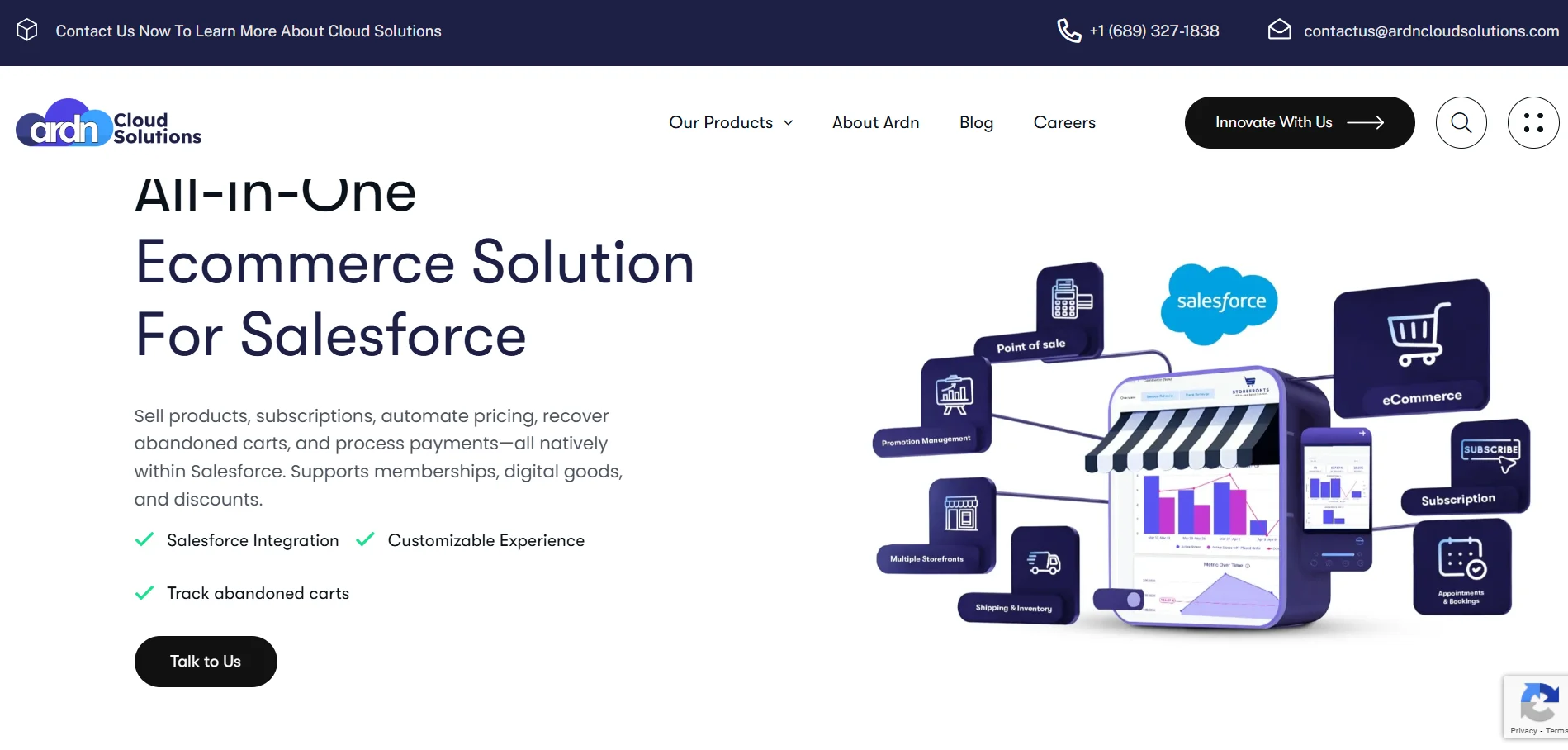
ARDN Cloud Solutions is your partner in transforming Salesforce for efficiency and impact. The platform specializes in delivering innovative, cost-effective Salesforce solutions designed to simplify processes, maximize your investment, and drive business growth.
In simple terms, ARDN builds and customizes Salesforce around how your business actually works. Instead of forcing you into rigid tools, they create workflows, products, and integrations that fit your processes.
Key Features:- License lifecycle automation (License Guard): Automatically identifies inactive users, sends warning emails, and deactivates them based on rules. This directly cuts wasted Salesforce license spend without manual audits.
- Native Salesforce commerce workflows (Storefronts): Runs product sales, subscriptions, memberships, and event ticketing directly inside Salesforce, removing the need for external e-commerce tools.
- End-to-end payment automation inside Salesforce: Handles billing, checkout, payment processing, and reconciliation without leaving Salesforce, so finance and sales workflows stay in one system.
- Subscription and renewal automation: Automates recurring billing, membership renewals, and service subscriptions with native Salesforce data, avoiding sync issues with external tools.
- It starts at $2,500/company/month
- Typically varies based on implementation complexity, custom builds, and ongoing support needs

MuleSoft is built for companies that run on multiple systems. It helps you connect Salesforce with tools like ERPs, databases, marketing platforms, and internal apps, so data flows cleanly between them. It was acquired by Salesforce in 2018.
Instead of stitching together one-off integrations, MuleSoft lets you build a structured system of APIs and workflows. That means your Salesforce automation doesn’t break every time you add a new tool or change a process.
Key Features:- API-led connectivity for Salesforce workflows: Builds reusable APIs instead of hardcoded integrations, so you can plug new systems into Salesforce without redoing everything.
- Prebuilt connectors for Salesforce + enterprise apps: You get ready-to-use connectors for tools like SAP, NetSuite, Workday, and more, which cuts down integration build time significantly.
- RPA for non-integrated systems: Automates workflows even in systems that don’t have APIs by mimicking human actions. This is useful for legacy tools.
- Centralized integration monitoring (Anypoint Platform): Gives visibility into all APIs, integrations, and failures in one place, so you can debug issues quickly.
- You can try the platform for free for 30 days.
- You can reach out to the team for a quote.
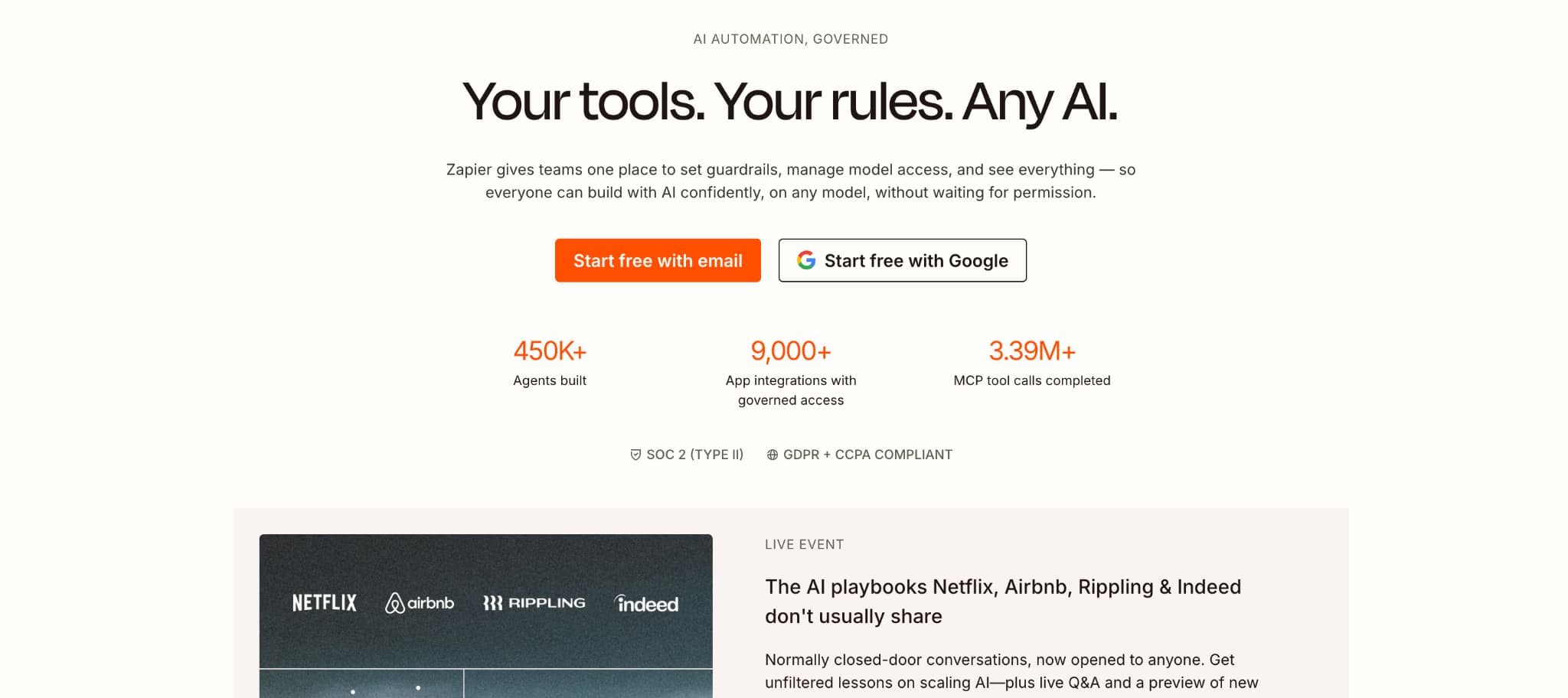
Zapier is a no-code automation tool that connects Salesforce with the rest of your tech stack. It’s built for teams that don’t want to rely on developers to automate workflows.
You set up simple “if this, then that” logic. When something happens in Salesforce, Zapier triggers actions in other tools. Or the other way around. It’s often the first layer teams use to automate lead capture, notifications, and basic data movement without touching code.
Key Features:- Trigger-action workflows for Salesforce (Zaps): You can trigger workflows when records are created or updated in Salesforce and automatically run actions like creating contacts, sending emails, or updating other tools.
- Multi-step workflows with conditional logic: It’s not limited to one action. You can build full workflows with filters, branching logic (Paths), delays, and formatting steps.
- 8000+ app integrations including Salesforce ecosystem tools: Connect Salesforce with tools like Gmail, Slack, Google Sheets, HubSpot, and more without custom integration work.
- Built-in data formatting and transformation: You can clean, reformat, or split data between apps without needing external processing tools.
- A Free plan is available for 100 tasks/month
- The Professional plan starts at $19.99/month (billed annually)
- The Team plan will cost $69/month+
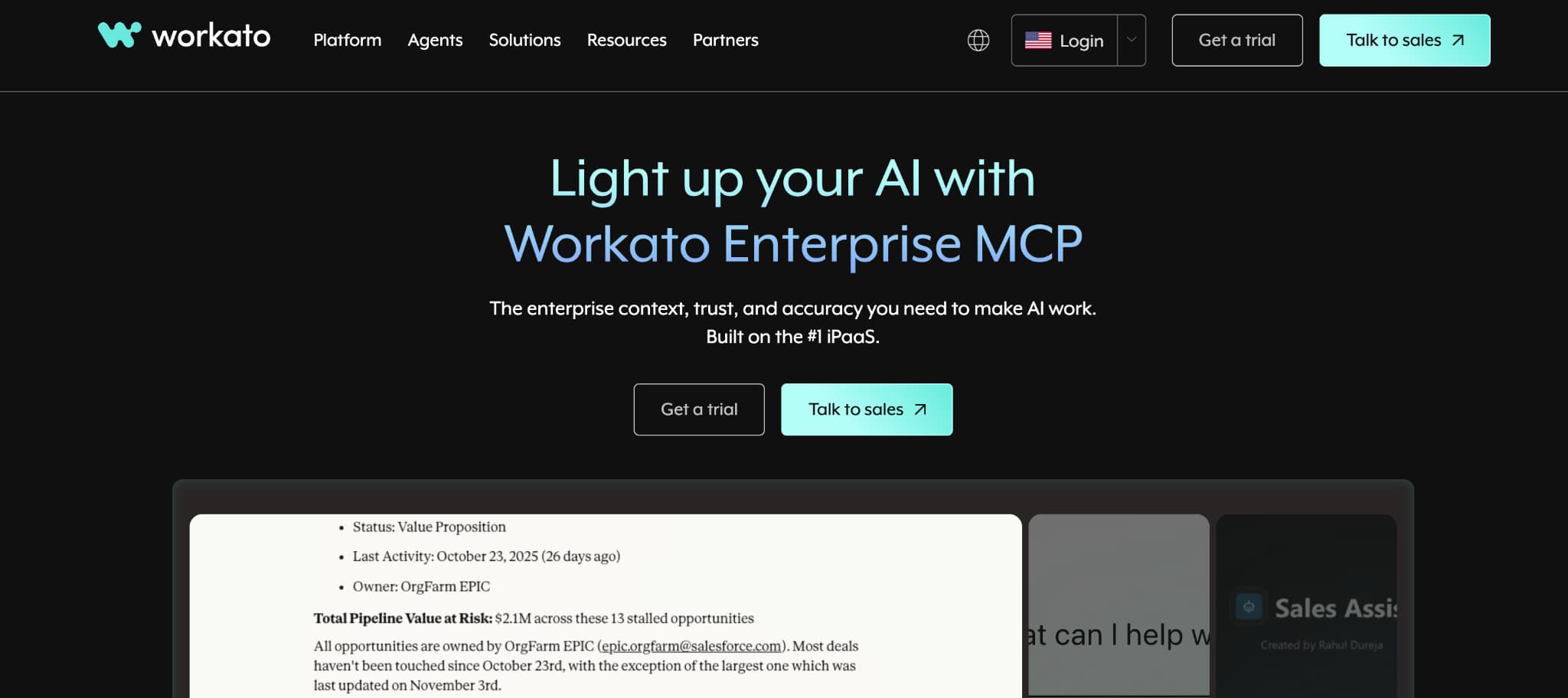
Workato sits between simple tools like Zapier and heavy platforms like MuleSoft. It’s built for teams that need to automate complex workflows across Salesforce and multiple systems but still want a low-code interface.
Instead of just connecting apps, Workato lets you design end-to-end processes. That includes multi-step workflows, data transformations, API orchestration, and even AI-driven automation. It’s typically used when Salesforce workflows start involving finance, support, product, or backend systems at scale.
Key Features:- “Recipes” for multi-step Salesforce automation: Workflows are built as “recipes” that can handle complex logic like branching, looping, and multi-app orchestration. These go far beyond simple trigger-action flows.
- Deep Salesforce triggers and actions (beyond basics): Supports real-time triggers on record changes, bulk data operations, and complex object handling, not just basic create/update actions.
- Enterprise-grade connectors (SAP, NetSuite, databases): Strong library of connectors and recipes (1200+) for enterprise systems, making it easier to tie Salesforce into finance, ERP, and backend ops.
- On-prem + cloud integration support: Can connect Salesforce with legacy systems sitting on-prem, which is a common blocker for enterprise workflows.
- You can reach out to the team for a detailed quote.
- Typically starts around $12,000/year/company for base usage
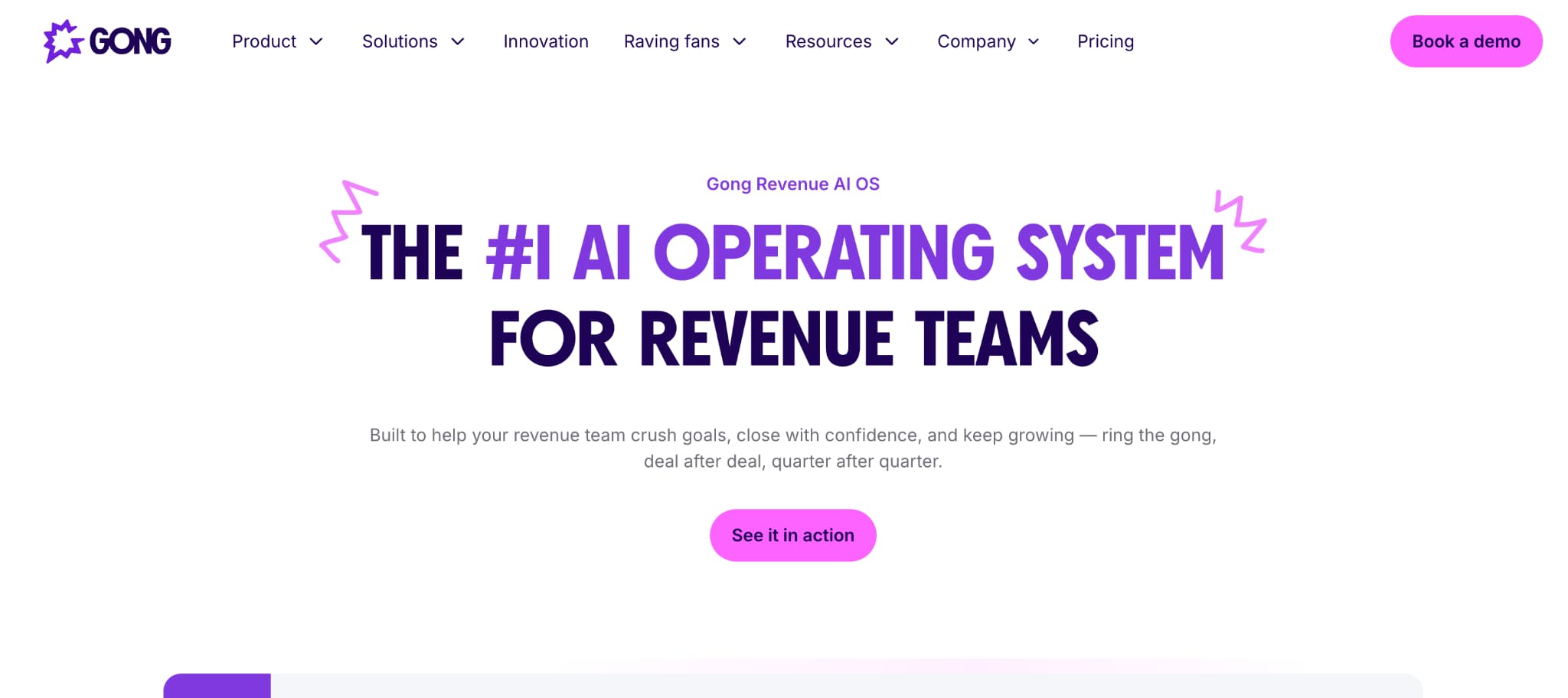
Gong is a revenue intelligence platform that sits on top of your sales activity and turns everyday conversations into structured data. It records calls, emails, and meetings, analyzes them using AI, and feeds those insights back into Salesforce.
Instead of relying on reps to manually update CRM fields, Gong captures what actually happened in customer conversations and syncs that with Salesforce. This makes your pipeline, forecasts, and deal data far more accurate and less dependent on manual input.
Key Features:- AI-generated call summaries and CRM notes:Gong records and logs conversations, then syncs them into Salesforce so reps don’t have to manually update activities. It also automatically creates structured summaries (Call Brief), action items, and highlights from calls, reducing manual note-taking for reps.
- Conversation data mapped to deals and pipeline stages:Links call insights directly to opportunities, accounts, and deal stages inside Salesforce for better visibility.
- Deal risk and buying signal detection:Uses AI to identify signals like objections, competitor mentions, or lack of engagement, and flags at-risk deals early.
- Bi-directional Salesforce sync:Salesforce data flows into Gong (for context), and Gong insights flow back into Salesforce (for reporting and execution).
- You can reach out to the team for a custom quote.
Make is a visual automation platform that lets you build Salesforce workflows using a drag-and-drop interface. Instead of writing logic in code, you design workflows as connected steps on a canvas.
It’s especially useful when your automation needs more flexibility than Zapier but you’re not ready for something as heavy as MuleSoft. You can build detailed workflows, control how data moves between steps, and handle more complex logic without needing engineering support.
Key Features:- Visual workflow builder (Scenarios) for Salesforce automation: You map out workflows step-by-step on a canvas, making it easier to see how data flows between Salesforce and other tools.
- Trigger-based automation on Salesforce events: Supports triggers like new records, updates, or specific field changes, which can kick off workflows instantly or on schedule.
- Deep control over data mapping between steps: Unlike simpler tools, you can manually map fields, transform data, and control exactly what gets passed between apps.
- Multi-step workflows with branching, filters, and routers: You can build complex logic like if/else conditions, parallel paths, and conditional routing of data.
- A Free plan is available with up to 1,000 credits/month.
- The Make plan starts around $9/month for 5000 credits/month
Salesforce Workflow Automation Tools: Quick Comparison
Here’s a side-by-side view to help you narrow down the right tool based on your setup:
| Tool | Best For | What it actually does | Pricing (starting) |
|---|---|---|---|
| ARDN Cloud Solutions | Custom Salesforce workflows | Builds tailored automation, products, and integrations directly inside Salesforce | Approx. $2,500/month |
| MuleSoft | Enterprise integrations | Connects Salesforce with ERPs, databases, and internal systems using APIs | Custom (enterprise quote) |
| Zapier | Quick, no-code automation | Automates simple workflows between Salesforce and everyday apps | Free $19.99/month |
| Workato | Scalable, cross-system workflows | Handles complex, multi-step automation across Salesforce and business systems | Approx. $12,000/year |
| Gong | Sales workflow automation via insights | Captures conversations and auto-updates Salesforce with deal insights | Custom (quote-based) |
| Make | Flexible visual automation | Lets you design detailed workflows with more control than basic no-code tools | Approx. $9/month |
How to Choose the Right Salesforce Workflow Automation Tool
There’s no single “best” tool here. It depends on what you’re trying to fix.
Most teams go wrong by picking a tool first and figuring out the use case later. It should be the other way around.
Here’s a simple way to think about it:
1. Start with the problem, not the toolBefore anything else, ask:
- Are you trying to reduce manual CRM updates?
- Sync Salesforce with other systems?
- Automate sales workflows like follow-ups and routing?
- Improve data accuracy and reporting?
Different tools solve different problems. No single platform does everything well.
2. Identify the type of automation you needThis helps you avoid comparing tools that do completely different things.
- Data movement: Moving data between systems
- Process automation: Running workflows inside Salesforce
- Sales execution: Capturing and improving sales activity
- Document automation: Handling contracts, quotes, and approvals
Each category solves a different layer of the workflow.
3. Decide where your workflow should runThis is a key decision most teams overlook.
- If your workflow depends on multiple tools, it needs to run across systems
- If it’s tied to your internal operations, it should live inside Salesforce
Pushing everything outside Salesforce can create unnecessary complexity. Keeping everything inside can limit flexibility.
The right balance depends on your setup.
4. Match the level of complexitySome workflows are simple. Others involve multiple steps, conditions, or systems. And some are specific to how your business operates. The tool should match that level, not overcomplicate or fall short.
5. Think about how it will scaleWhat works at a small scale can get expensive or slow as usage grows. Look at how pricing and performance hold up when your workflows run more often.
6. Consider who will manage itSome tools are easy for ops teams to run. Others need developer support. The easier it is to update and maintain, the more reliable your setup will be.
7. Keep the decision simpleIf you’re connecting systems, you need an integration tool. If you’re running processes inside Salesforce, go with native or custom solutions. If the focus is sales activity, look at sales tools. And for contracts or approvals, document tools fit best.
So, based on all this…
Time to Pick the Right Tool for Your Needs
Salesforce automation isn’t about finding one perfect tool. It’s about picking the right layer for the problem you’re solving.
Some tools help you move data. Some help you run processes. Others improve how your team actually works inside Salesforce. Once you separate these clearly, the choice becomes much easier.
If your workflows are tightly tied to how your business operates inside Salesforce, the native tools by ARDN Cloud Solutions is the most direct fit. It works best when you need custom logic or tailored workflows or want to reduce reliance on multiple external tools.
If your main challenge is connecting Salesforce with other systems, tools like MuleSoft and Workato are built for that. They handle integrations and cross-system workflows at scale.
For simpler, quick automation between everyday tools, Zapier and Make are easier to set up and manage. They’re a good starting point for lightweight workflows.
In most cases, the right setup isn't one tool. It's a combination that works together without adding unnecessary complexity. Choose the one that best suits your needs, and you're all set!