

You might be losing members right now and not even know it! And, you won't know who's slipping away until it's too late. You miss the signs because their renewal email's in spam, their engagement data's scattered across platforms, and no one's tracking attendance drops.
By the time you notice, they're gone!
This happens because the systems don't talk to each other. Data's fragmented, renewals are manual, and insights come too late.
Tools like Salesforce Revenue Cloud are excellent for SaaS companies, but somewhere… they don't understand how associations work. So...you don't need generic subscription software.
What you need is a Salesforce-native tool that understands complex membership tiers, engagement scoring, renewals, and self-service experiences that lighten your team's load.
Before we take a look at the best Membership management tools, here's something to think about...
What is Salesforce Membership Management?
Salesforce has become the go-to foundation for membership organizations, and that's for a good reason. It's flexible, secure, and built to scale, giving teams a single platform to manage every aspect of the member relationship.
Salesforce membership management is all about using Salesforce's CRM to run every part of your member experience from the moment someone joins to renewals, events, and ongoing engagement.
Instead of switching between disconnected tools, everything lives in one place. You can see your members, their purchases, event attendance, renewal dates, and their engagement.
But while Salesforce gives you the foundation to understand and engage your members, it doesn't include all the specialized tools you need to manage them day to day.
So, what is Salesforce Membership Management software?A membership management tool takes that idea a bit further. It's a Salesforce-based solution that builds on the CRM's strengths, adding key features like automated renewals, recurring payments, event registration, member portals, directories, and engagement scoring.
While Salesforce provides the core CRM structure, membership software, like ARDN's Storefront, layers on everything needed to actually manage and grow a thriving member community.
Now that we know what Salesforce membership management is and how it works, let's look at some of the top platforms that help teams put it into action.
Best Salesforce Membership Management Tools
To help you find the best fit, we've reviewed leading Salesforce-native platforms based on factors like functionality, ease of setup, scalability, and real-world performance.
Over to the first tool in the lot!
#1 ARDN Storefront: The All-in-One Native Salesforce Commerce Solution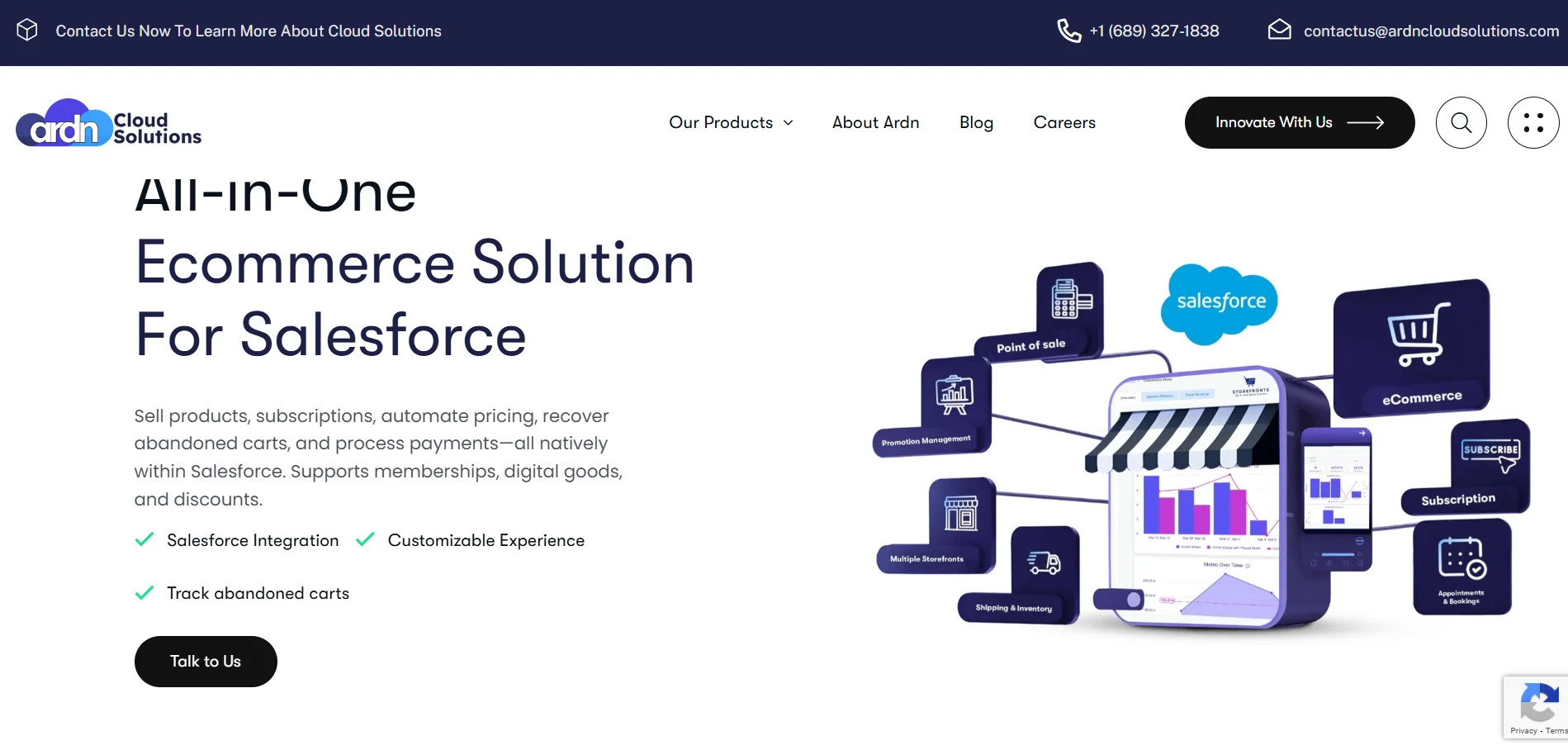
ARDN Cloud Solutions' flagship product, ARDN Storefronts, gives you the ability to sell memberships, products, subscriptions, and event tickets, all without leaving Salesforce.
Because Storefronts is built directly on Salesforce, everything from renewals to event ticketing happens inside one ecosystem without the need for middleware, APIs, or third-party platforms to maintain.
Core Features:- Native Membership Storefronts: A self-service portal for renewals, upgrades, and benefit access.
- Automated Renewals & Billing: Handles reminders, recurring payments, and membership updates automatically.
- Event Management Integration: Lets you sell tickets, book appointments, manage attendance, and sync event data to member records.
- One-Click Setup & Customization: You don't need a coder's brain! Everything can be set up with just a few clicks.
- Storefronts takes away the integration headaches while combining e-commerce, membership management, and event ticketing in a single Salesforce-native environment.
- You get a 360° view of every member (from purchases and renewals to engagement data) without handling multiple systems.
Unlike other platforms, which rely on connectors and custom builds, Storefronts launches in days using drag-and-drop templates. Your entire storefront, inventory, and member data live in Salesforce from day one!
And if you're already running your operations on Salesforce, this one just makes sense!
Ready to see how it fits your business?
Take a Closer Look →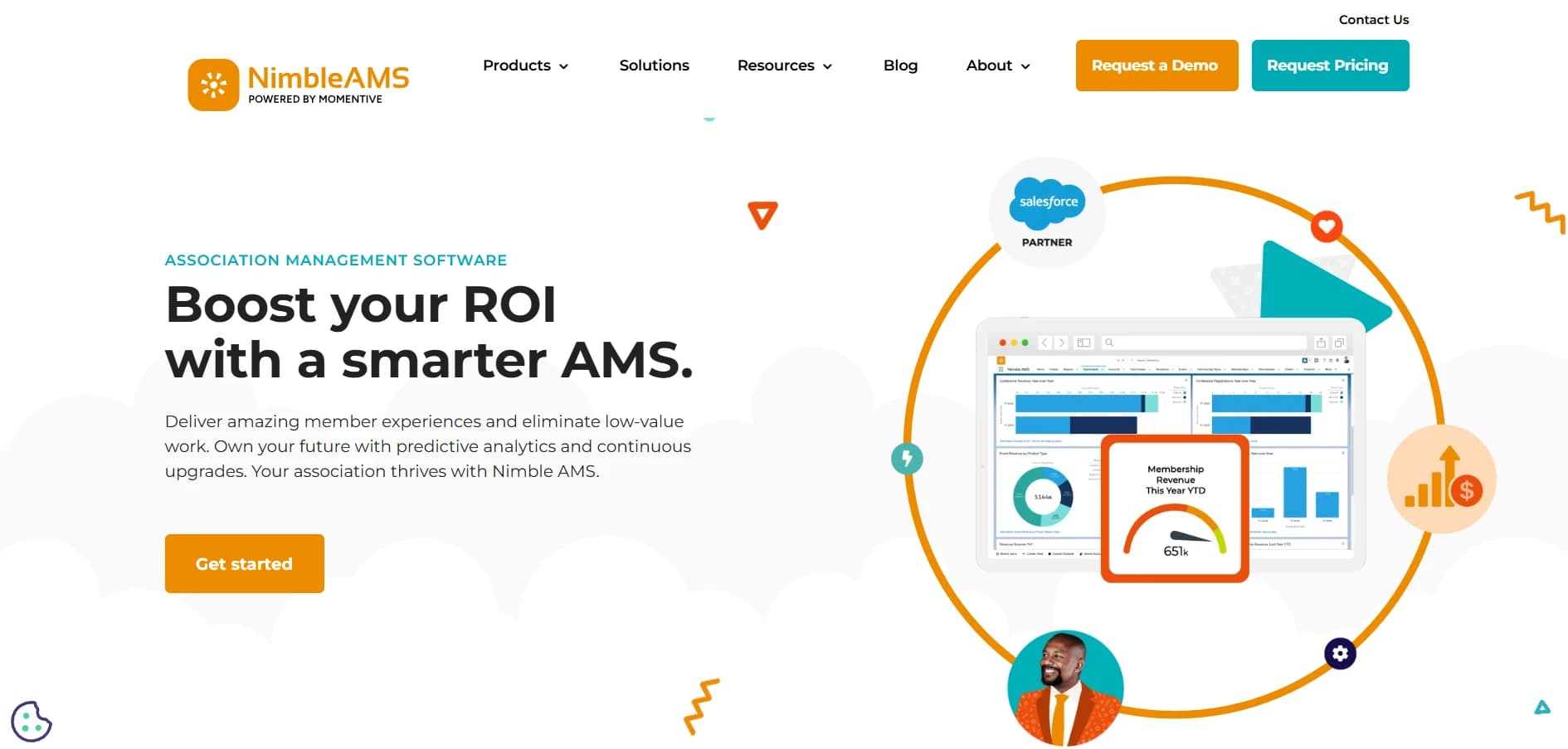
Nimble AMS has long been the go-to choice for large associations that expect their technology to evolve with them. As a Salesforce-native AMS, it connects every part of your member experience, from onboarding and renewals to events and communities, within one secure platform.
Core Features:- 360-degree member view: Every interaction, including transactions, event attendance, and certifications, is all tied to a single member record.
- Detailed membership structures: There are individual, organization-wide, and family-tier plans, with role-based access and benefits.
- Member self-service portal: Profile updates, renewals, event registration, and access to communities.
- Express Pay & One-Payment links
- Automated renewal workflows via Salesforce Flows
- Higher upfront cost and TCO
- Can be complex for beginners
- You can request the team for a quote
- The starting price is $180/user/month (staff licenses)
Built natively on Salesforce, Fonteva offers a complete membership, events, and payments ecosystem. After joining Togetherwork in 2021, Fonteva added deep native payment capabilities and enterprise-grade scalability, making it one of the most complete AMS options for large organizations.
Core Capabilities:- Fonteva Membership: You get a centralized member database with portals, renewals, directories, and engagement tracking.
- Fonteva Events: The platform offers complete event management, registration, ticketing, sponsorships, speakers, and hybrid event support.
- Automation & Reporting: Click-not-code workflows for renewals, approvals, and lifecycle triggers, plus real-time dashboards and Salesforce CRM Analytics.
- You can accept ACH, Apple Pay, or Google Pay
- Manage multicurrency transactions and detect fraud automatically
- Includes extensive AMS features that may be unnecessary overhead for smaller organizations
- Starting at $145/user/month
AC MemberSmart is the flagship product by Advanced Communities. It is a Salesforce-native, all-in-one membership management platform that unifies member portals and event management. The platform combines community engagement, e-commerce, and payment processing all in one place.
Core Capabilities:- Member Portal: Branded, customizable portal for member profiles, renewals, event registration, and resource access.
- Control engagement scoring: You can measure how engaged your members are using the Engagement Scores metric.
- Advanced Member Directory: With the Google Maps integration, you can easily find associations nearby.
- Jobs board with career postings and professional development opportunities for the members
- Requires Salesforce Experience Cloud License
- Starting at $119/user/month
- You can request a custom quote
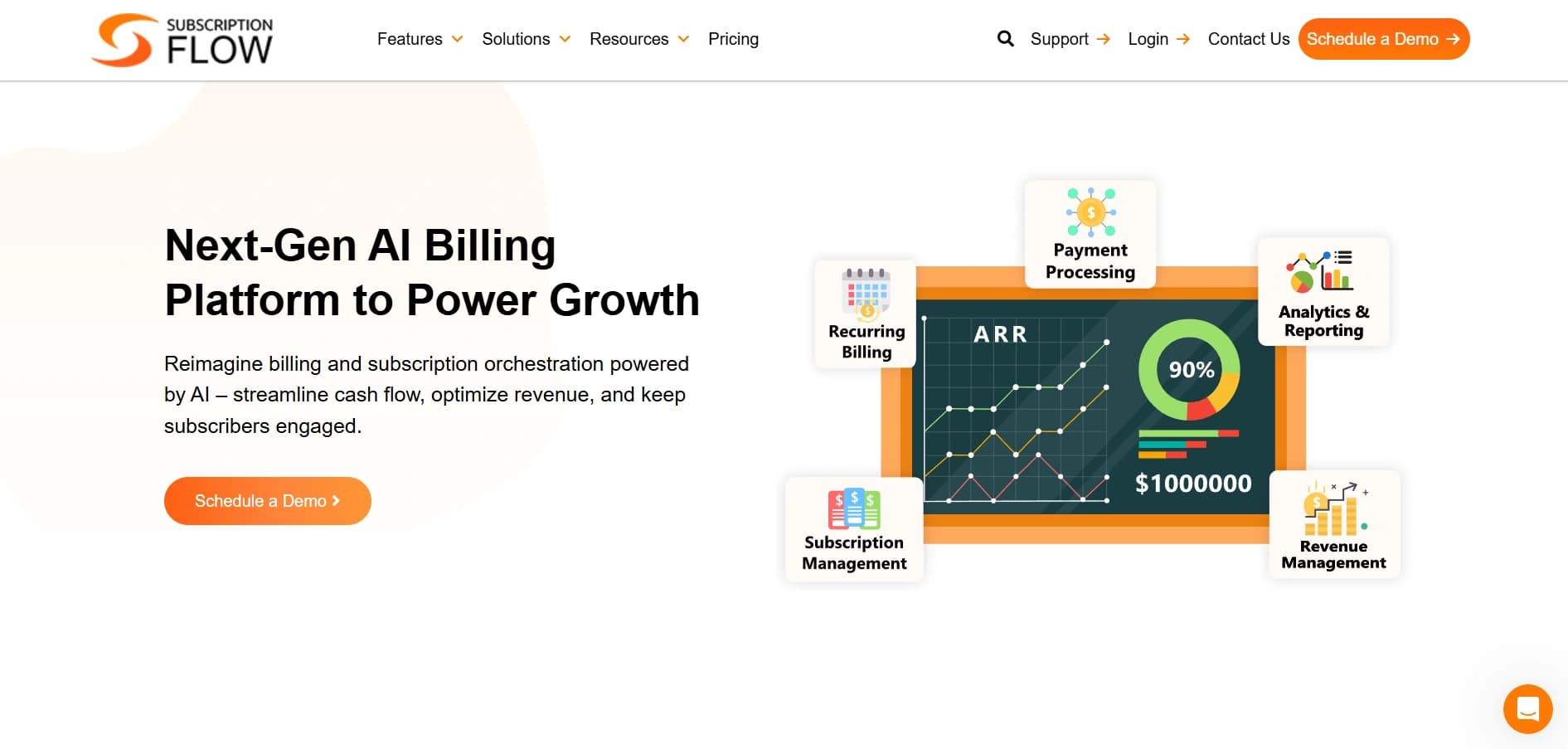
SubscriptionFlow addresses the challenge of recurring memberships directly. Designed as an AI-native subscription management platform, it brings predictive intelligence to billing and retention while maintaining a secure integration with Salesforce CRM.
Core Capabilities:- AI Billing: You can manage your bills with output-based pricing based on AI-generated results.
- Predictive Churn Management: It uses behavioral and transactional data to identify members at risk of cancellation.
- Global Payment Gateway: Integrates with multiple gateways for secure and PCI-compliant transactions.
- One-click trial extension from the admin dashboard
- Automated dunning management
- Separate from Salesforce. It is not a native platform.
- Starts at $99/month
Let's Compare the Best Salesforce Membership Management Tools!
Here's a table for a quick recap:
| Tool | Best For | Starting Price | Salesforce Native |
|---|---|---|---|
| ARDN Storefronts | All-in-one Salesforce-native commerce and membership solution | Custom (avg. $2K–$10K/yr) | Yes |
| Nimble AMS | Automatic Salesforce updates and zero downtime | $180/user/month | Yes |
| Fonteva for Associations | Enterprise-grade customization and advanced event management | $145/user/month | Yes |
| AC MemberSmart | Built-in community engagement | $119/user/month | Yes |
| SubscriptionFlow | AI-powered recurring billing and churn prevention for Salesforce users | From $99/month | Integrates (not native) |
Each tool brings something different to the table. Instead of looking for the “best,” focus on what fits your needs. List your must-haves, see how each platform measures up, and choose the one that truly works for your team. Here are a few things to keep in mind before you decide.
What to Look for in a Salesforce Membership Platform
It's important to consider more than just what appears attractive on paper!
- Keep every member's details, like contact info, preferences, renewals, events, and payments, in one central record.
- Why it matters: A single source of truth means fewer data errors and faster, smarter decisions.
- Set up reminders, renewal links, and flexible tiers for individuals or organizations.
- Why it matters: Automation cuts manual work and helps prevent those quiet, unnoticed lapses in membership.
- Choose a tool that processes payments directly inside Salesforce, supporting cards, ACH, and digital wallets.
- Why it matters: Your financial data stays clean and current.
- It must manage registrations, speakers, and attendance, which should all be synced to member records.
- Why it matters: Events drive engagement, and when that data lives in Salesforce, you can actually track who's most involved.
- Give members a branded space to update profiles, renew, and register.
- Why it matters: Self-service tools improve retention and make your team's day a whole lot easier.
- Dashboards that track renewals, churn, and engagement scores in real time.
- Why it matters: Seeing trends early lets you act before a member drifts away.
Common Mistakes You Must Avoid!
Even with the best intentions, some membership projects hit the same snags again and again. Here are a few of the most common ones and how you can avoid them:
- Choosing a tool just because it's cheaper.
It's tempting to go with the lower price tag, but the hidden costs of extra integrations, manual work, or limited support usually show up later. A slightly higher upfront investment often pays off in stability and peace of mind.
- Assuming “Salesforce-compatible” means “Salesforce-native.”
This is a common mix-up. A product can integrate with Salesforce but still live outside it, meaning you'll deal with data sync issues or duplicate records. If you want everything under one roof, look for tools that are 100% native.
- Overlooking the user experience.
A system might check every feature box but still feel clunky to your staff or members. If renewals or event registrations take too many clicks, people simply stop using it. Always test how it feels to navigate the platform day to day.
- Skipping the data cleanup.
Most teams often rush into implementation with messy spreadsheets, and it always comes back to bite them. Clean data upfront means fewer migration hiccups and more reliable reports later.
- Focusing on features instead of workflows.
It's easy to get caught up in flashy dashboards, but what really matters is how well the tool fits into your actual processes.
Before you decide, here's a quick checklist that comes in handy!
Does the tool support your membership structure (individuals, organizations, or both)?
Is it fully native to Salesforce, or does it rely on third-party integrations?
How easily can staff automate renewals, upgrades, and payment reminders without coding?
Does it handle complex billing models like tiered pricing or recurring payments smoothly?
What analytics or dashboards are built-in to track engagement, churn, and renewals?
How strong is the implementation and customer support? Do you get help during setup?
Are there hidden fees (extra licenses, transaction costs, or feature add-ons)?
Finding What Truly Fits!
Again, choosing the right tool isn't just about ticking all these boxes. You have to find the system that actually fits your organization.
The one your team enjoys using. It should be a system that your team members never have to second-guess, simply because it just…works!
Because if you're already working out of Salesforce every day, the last thing you need is another platform slowing you down.
If that's what your team's been looking for, maybe it's worth taking a closer look at ARDN Storefronts.
Simple. Native. Seamless.
Ready to see how it fits your business? We'll walk you through it.