

A missed renewal can easily take out 5–10% of your annual revenue, and it usually starts with something small. It could be a date that doesn't match, a payment status that's out of sync, or even a record that hasn't updated yet.
None of it looks serious on its own, but it slows down your team every time they try to get a straight answer. When you're checking three places for one piece of subscription data, it's clear the system isn't working for you anymore.
That's usually when Salesforce teams look toward Revenue Cloud. It feels like the clean, native way to get everything in one place. The only thing that makes you pause is the commitment it takes to get there. You have to think about the budget, the setup time, and the resources you need lined up. Yes, not a dealbreaker, but just something you have to seriously account for.
So you end up looking at the space in between. Maybe the current setup isn't cutting it. Or…a full enterprise rollout isn't realistic this quarter. And somewhere between those two extremes, there are simpler ways to manage subscriptions inside Salesforce without adding more tools or stretching the team thin.
Why don't we look at the best of those Salesforce subscription management software, the features that matter and their specifications so you can choose the one that fits the bill (literally!)
How to Choose a Subscription Management Software
Before you compare tools, it helps to know what actually matters for subscription-heavy teams. The goal is to understand which factors genuinely affect your day-to-day operations and which ones are just “nice to have.”
You can use the criteria below as your baseline and prioritize what aligns with how your team works.
Here's a quick overview:
| Category | What to Look For |
|---|---|
| Cost Model | Check if you're paying per user, per transaction, or a mix. Make sure there aren't extra fees for integrations, setup, or payment gateways. |
| Integration & Data Fragmentation | Native Salesforce tools keep everything in one place. External tools need connectors, which means sync delays and more upkeep. |
| Implementation Speed | Some tools go live in a few weeks. Mid-market tools take longer. Big Salesforce builds can take months. |
| Subscription Complexity | Simple monthly billing is easy. Usage-based or custom plans need stronger platforms. |
| Self-Service Capabilities | Look for a portal where customers can manage plans, update cards, download invoices, and fix payment issues on their own. |
| Revenue Recognition & Compliance | Check for ASC 606 / IFRS 15 support, regional tax handling, and proper deferred revenue features. |
| Payment Gateway Support | Make sure it supports your gateway, multiple currencies, and smooth refund or chargeback workflows. |
| Reporting & Analytics | You should easily see MRR, churn, retention, LTV, and upsell trends. |
| Support & Community | Look for fast support, clear documentation, and an active partner ecosystem. |
Now, not every box needs a check mark. A better approach is to weigh what matters most to you. For example, if keeping everything native to Salesforce is a priority, that might carry 40% of your scoring. If fast implementation matters more than deep complexity, give that higher weight.
Think of this list as a guide, not a checklist. Pick the criteria that suit your team, and let the rest stay in the background.
Best Salesforce Subscription Management Software
To keep things simple and genuinely useful, we've broken the tools into two clear sections based on how they work inside your workflow:
- Salesforce-native subscription management tools, and
- Popular integrations that connect to Salesforce.
Let's start with the Salesforce-native ones.
#1. ARDN Storefronts: Your All-in-one Salesforce Native Solution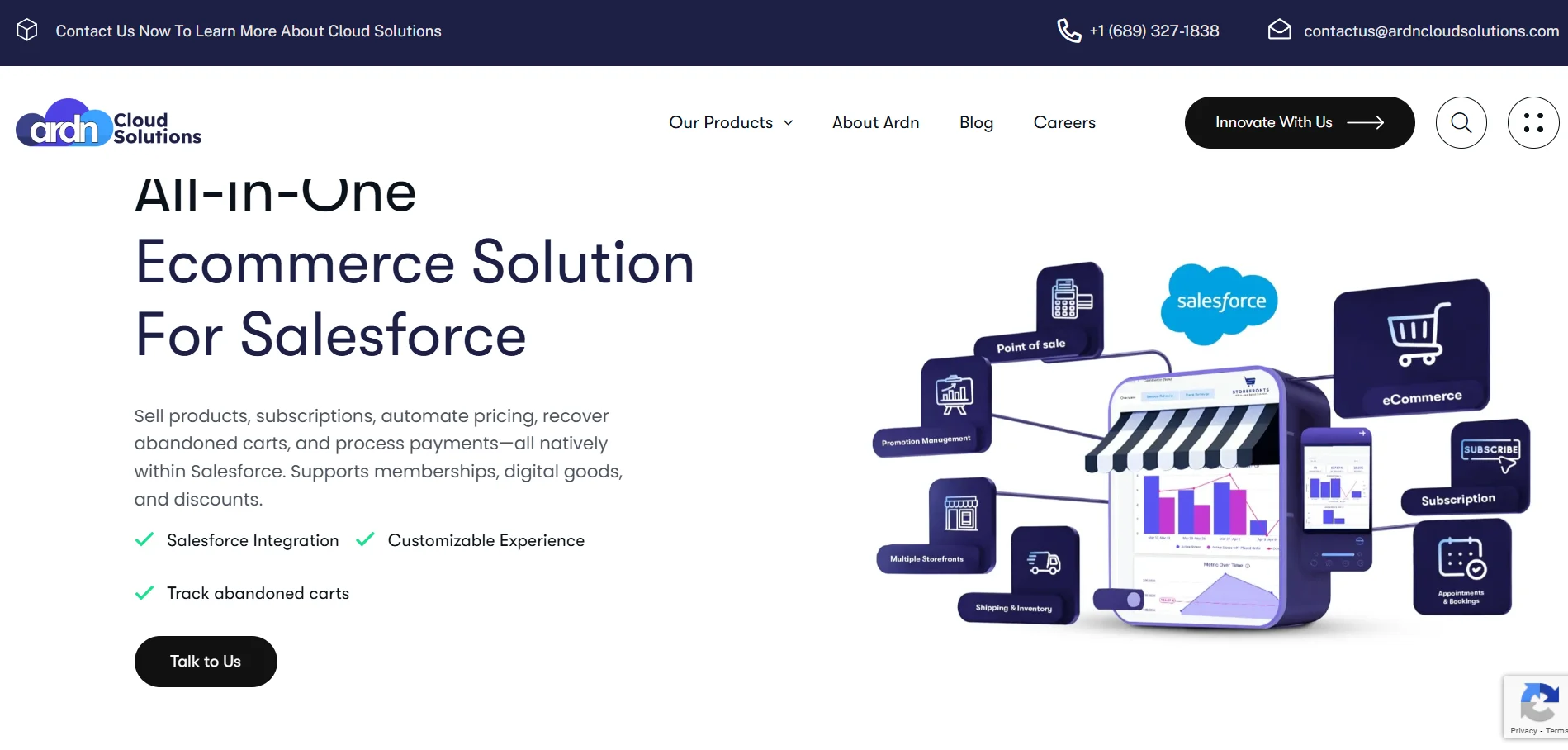
ARDN Storefronts is for teams who want to run subscriptions, memberships, e-commerce, appointments, and ticketing without ever leaving Salesforce. This platform is perfect for you if your entire business already sits inside Salesforce and you don't want to deal with integrations, connectors, middleware costs, or 6-month implementation cycles. And there are no per-user costs, unlike other platforms.
Key Features:- Native Salesforce Ecommerce: Your storefront, checkout, orders, and customer data live entirely inside Salesforce.
- Subscription Automation: You get automated renewals, membership tiers, grace periods, family plans, and tier-based benefits, all driven by Salesforce workflows.
- Product & Pricebook Management: Unlimited SKUs, multiple pricebooks, dynamic pricing rules, and support for selling from custom Salesforce objects.
- Checkout & Payments: The platform offers native Stripe and Paymentus support, PCI-compliant processing, and payment types like ACH, credit card, GPay, Apple Pay, and PayPal. Multi-currency support (150+ currencies) and support for 20+ payment gateways.
- Appointments & Event Ticketing: Everything, including appointment booking, staff availability, event registration, and automated reminders, is integrated directly into CRM records.
If you already pay for Salesforce, why pay for five more systems to do what Salesforce can do natively?
With ARDN Storefronts, you're walking away with a specialist team known for helping mid-market companies get enterprise-level outcomes without enterprise-level pricing!
Ready to see how it fits your business?
Get in Touch!
Fonteva is built for teams that run on memberships, renewals, and events and not just traditional SaaS billing. Since it sits natively inside Salesforce, you get cleaner data and fewer sync headaches.
Key Features:- Membership Subscriptions & Dues Management: You can create tiered memberships, recurring dues, and flexible pricing for every type of member you manage.
- Auto-Renewal Workflows: Members can easily turn auto-renew on/off in the portal, and you can configure renewal logic per plan.
- Self-Service Member Portal: Members can update details and renew and manage subscriptions themselves.
- It is primarily for membership management. And the per-user licensing becomes expensive at scale.
- Some users find the platform complicated to use.
StoreConnect is one of the few Salesforce-native platforms that lets you run e-commerce, POS, memberships, and subscriptions from the same place. It works especially well for brands that sell across online and in-store channels or those that mix subscriptions with things like donations, events, or memberships. And it does not need Experience Cloud licenses to operate.
Key Features:- Evergreen & Fixed-Term Subscriptions: You can run ongoing subscriptions or time-bound memberships without extra plugins.
- Built-In Recurring Billing: Charge cards on a schedule, manage renewals, and process recurring payments inside Salesforce.
- Subscription Management Without Charging: If you bill outside of Salesforce but need to keep track of subscriptions over time, you can do so without collecting payments.
- Higher cost than simple subscription tools.
- Transaction fees (0.2%–0.6%) add up for high-volume brands.
Next up, let's look at the best non-native Salesforce subscription management software…
#4. Chargebee: For SaaS, Subscription-First Companies with Usage-Based & Hybrid Billing Models
If you're running a SaaS product or a recurring revenue model that shifts between flat-fee, usage-based, and hybrid pricing, Chargebee gives you a lot of flexibility right out of the box.
Everything is in Chargebee and syncs to Salesforce through APIs. So you'll manage subscriptions inside the platform and push customer/billing data into Salesforce.
Key Features:- Flexible Pricing Models: You can handle flat-fee, usage-based, hybrid, bundle-based, and legacy “grandfathered” plans without custom code.
- Subscription Lifecycle Automation: Easily automate trial conversions, upgrades, downgrades, proration, and renewal workflows.
- Subscription Analytics: The platform gives you a detailed view of MRR/ARR trends, churn cohorts, and customer LTV and recognizes revenue per ASC 606 / IFRS 15.
- Some G2 users have reported poor user experience and difficulty in initial setup.
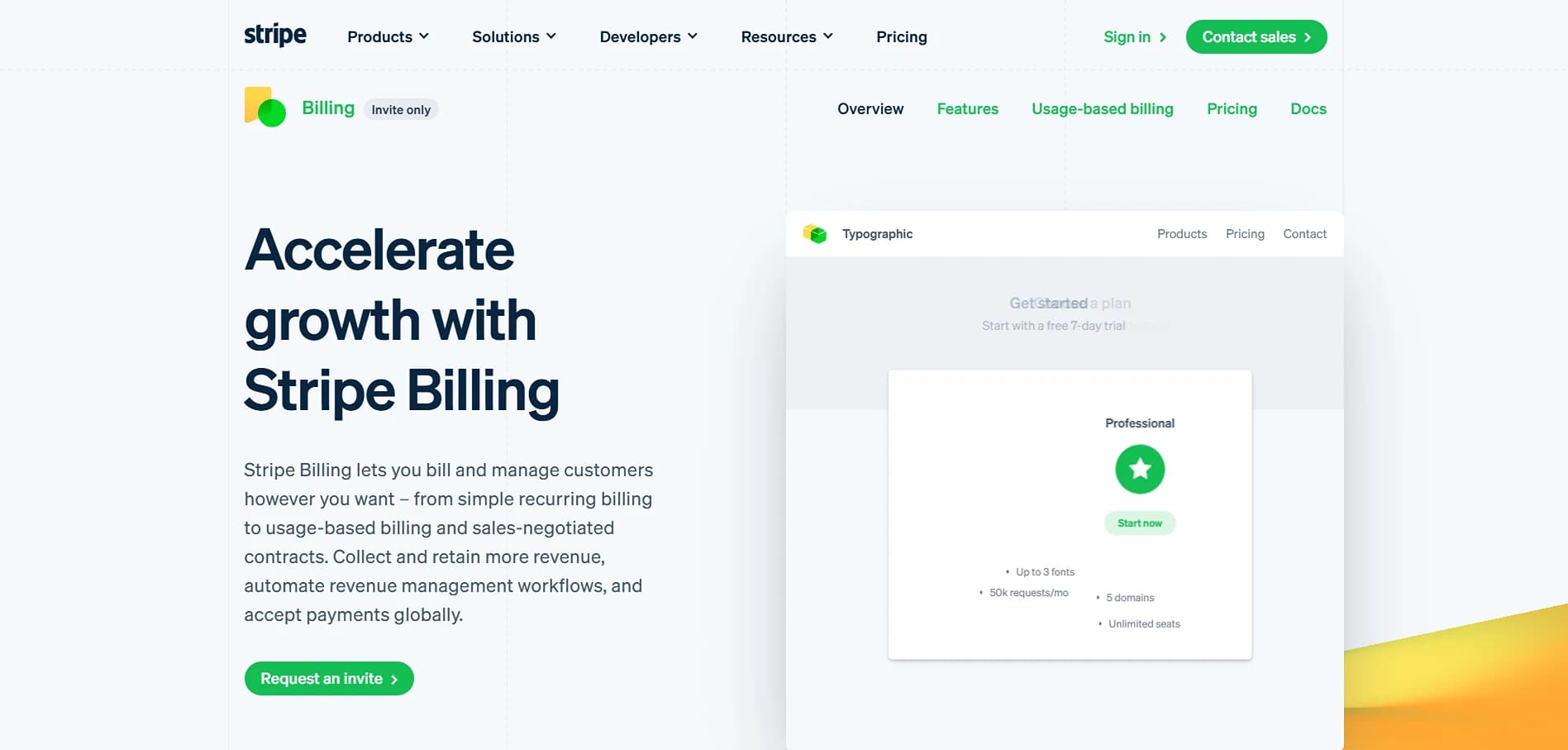
Stripe Billing is a developer-friendly recurring billing platform. Its no-code tools make it easy to spin up pricing tables, trials, and recurring billing even if you're still a lean SaaS team. It keeps your billing logic flexible, fast, and scalable as you experiment with pricing.
Key Features:- Flexible Pricing Models: You can run flat-fee subscriptions, usage-based billing, hybrid pricing, or one-time charges.
- Smart Payment Retries: Stripe automatically retries failed payments at the best predicted time. This helps to recover revenue you would've otherwise lost to card failures.
- Global Payments & Multi-Currency: You can accept 100+ payment methods in 40+ languages and support customers across 135+ countries.
- It's low code, not no code. You might need the help of a developer for customizations.
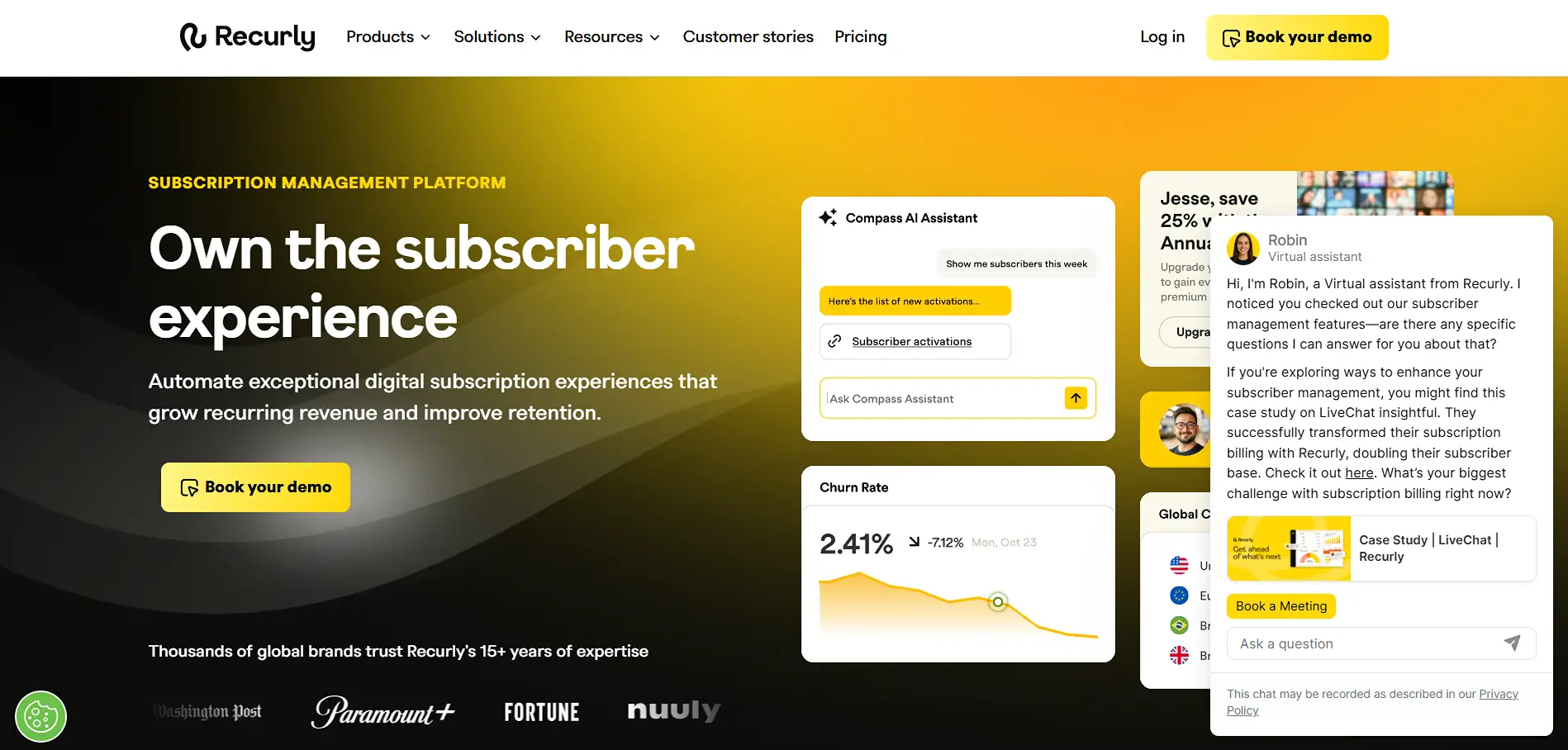
Recurly is a subscription management tool built to help businesses launch plans quickly, handle billing changes smoothly, and keep recurring revenue predictable. The real-time integration is strong enough that your team can still run an efficient quote-to-cash process right from Salesforce.
Key Features:- Subscriber Lifecycle & Dunning Automation: You get automated lifecycle emails, customizable dunning workflows, and the ability to tune recovery strategies based on the plan type.
- Automated Billing & Invoicing: Recurring billing runs on autopilot, but you still have the option for manual charges or credits when you need them.
- AI Growth Assistant (Compass): You can create plans with natural language, generate API snippets instantly, and get alerts when something looks off.
- G2 users mention that they struggle with analytics and reporting. Most teams export data for deeper analysis.
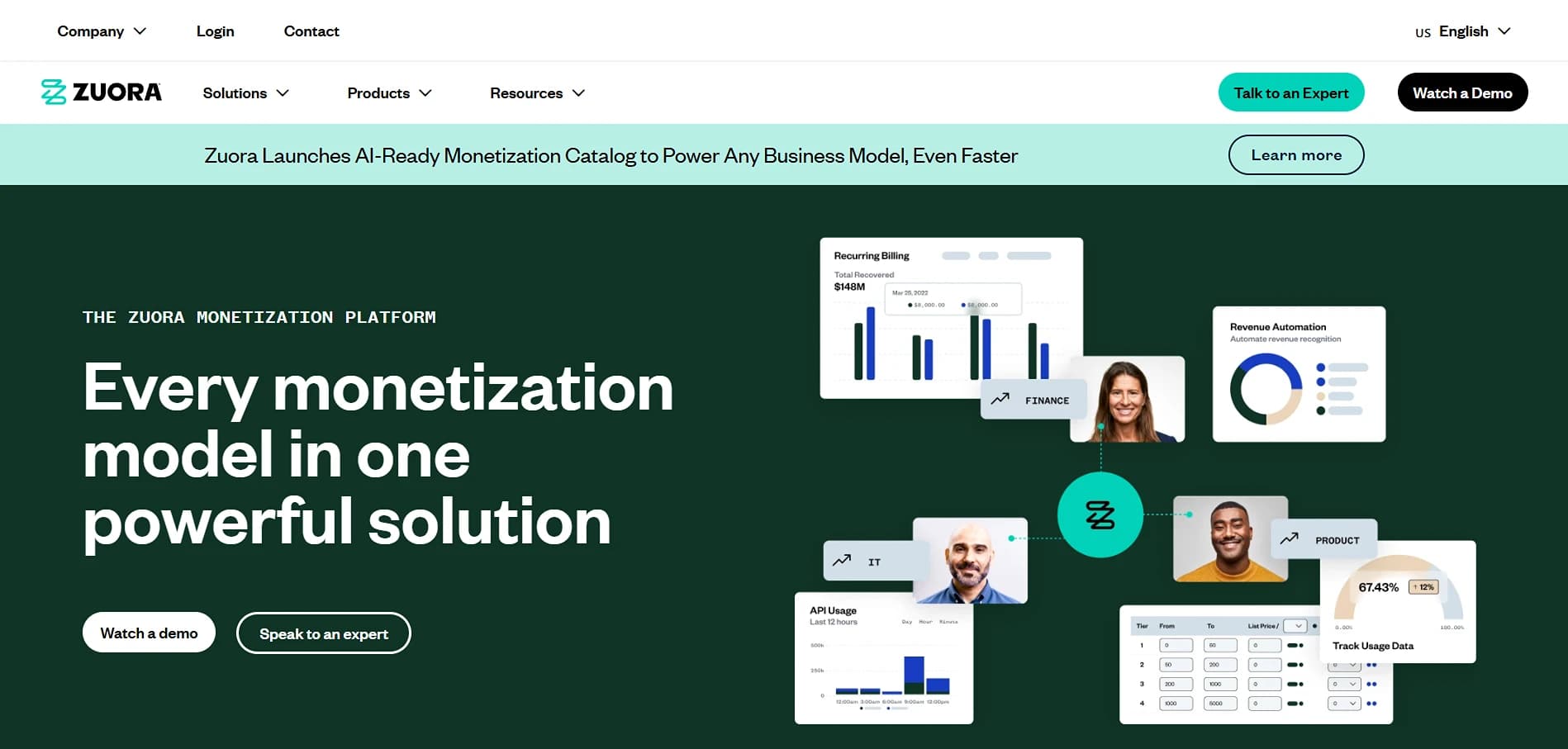
Zuora is a platform for businesses that have to deal with complicated billing, usage-based pricing, and operations around the world. It was made for big teams that need a system that can handle a lot of work, support many markets, and manage complicated revenue workflows without breaking down.
Key Features:- Multi-Gateway and Payment Orchestration: Connect to more than 40 gateways and 20 payment methods, set up routing logic, and switch to backup providers when necessary.
- Metered Billing: You can keep track of how much a customer uses in real time, meter it correctly, and charge them based on how much they actually use.
- Flexible Pricing Models: Zuora supports all kinds of flexible pricing models, including one-time charges, flat subscriptions, usage-based billing, tiered volume models, and custom billing periods.
- UI can be complex and has a steep learning curve. A G2 user shared that it is a bit overwhelming for those who haven't worked with complex SaaS systems before.
- Implementation time is massive!
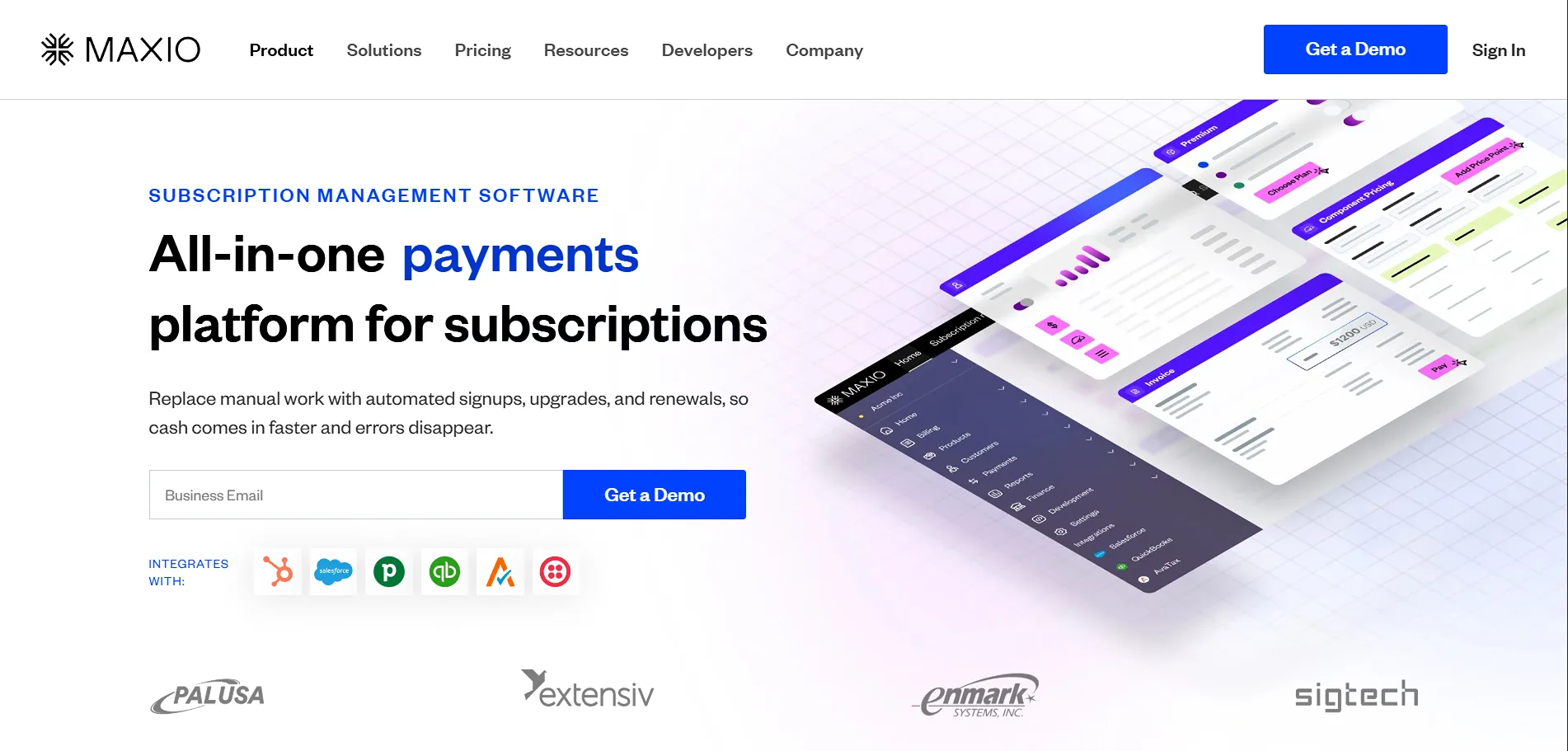
Maxio (formerly Chargify) positions itself as billing, revenue recognition, and financial reporting software built for mid-market B2B SaaS. It sits outside and connects via an integration package. The platform processes billions in recurring revenue and serves 1,000+ SaaS companies.
Key Features:- Automated Billing: You can automate invoice creation and recurring billing in 150+ currencies.
- Customer Self-Service Portal: Everything is customer-managed, including upgrades, downgrades, cancellations, payment method updates, and proration.
- Real-Time Revenue Metrics: You get insights into MRR, ARR, churn, renewals, cohorts, and forecasting dashboards.
- Some users have reported confusion in terms of reporting and metric inaccuracies.
Let's Compare The Best Salesforce Subscription Management Software!
| Tool Name | Best For | Implementation Time | Starting Price | Native to Salesforce |
|---|---|---|---|---|
| ARDN Storefronts | Native Salesforce ecommerce + subscriptions + memberships | 2–4 weeks | $2,500/comp/month (Custom Pricing) | Yes |
| Fonteva | Purpose-built for nonprofits, associations, memberships | 3–6 months | $175/user/month + extra Salesforce license | Yes |
| StoreConnect | Multi-location retail + POS + subscriptions + memberships | 4–12 weeks | $995/month + 0.2–0.6% transaction fee | Yes |
| Chargebee | Advanced usage-based & hybrid pricing models | 4–8 weeks | $599/month (billed monthly) | No |
| Stripe Billing | Affordable, developer-friendly, fast implementation | 1–4 weeks | Pay-as-you-go $0.029 + $0.30/transaction | No |
| Recurly | Best-in-class revenue recovery | 4–8 weeks | $1M minimum TPV (custom pricing) | No |
| Zuora | Enterprise-grade usage-based billing & global scale | 6–18+ months | Contact sales | No |
| Maxio | Mid-market SaaS with ASC 606 compliance & AR management | 3–10 months | $599/month (Grow plan) | No |
Benefits of Subscription Management Software
Most subscription businesses reach a point where billing starts getting in the way of everything else. And it's not just about upgrading a tool anymore. It's about removing all the small, repetitive tasks that slow your team down and pile up as you grow.
Subscription management software keeps the operational side of subscriptions running quietly so your team doesn't spend half the month fixing the same issues.
Here's what that actually means in your day-to-day:
When billing sits inside spreadsheets, mistakes are almost guaranteed. Sometimes a renewal doesn't go out or an invoice amount is wrong. Once the customer count goes up, these errors just multiply.
A proper subscription system takes over the entire workflow. Invoices get sent on time. Renewals happen automatically.
Revenue becomes unpredictable when a big part of it depends on someone remembering to follow up on failed cards. With automated recovery and smarter retry cycles, most of those payments are fixed before they become a problem.
You start seeing steadier monthly revenue, and forecasting becomes a lot less stressful. It's easier to plan when you're not bracing for surprises at the end of every month.
If you've ever handled revenue recognition manually for subscriptions, you already know how quickly it turns into a mess. Between upgrades, usage, discounts, multi-year terms, and performance obligations, the rules get complicated pretty fast.
Subscription platforms sort all of this out automatically. Month-end becomes faster and cleaner because you're not rewriting journal entries every time a customer changes something.
Manual billing might work with a small base of customers. But, once you cross a certain number, the workload doubles even if your team doesn't. A subscription system grows with you.
Instead of waiting for monthly reports, subscription platforms show you how revenue is shifting in real time. You can see churn, upgrades, downgrades, and MRR the moment they happen.
In short, with subscription management software, you spend less time fixing billing issues and have a steadier cash flow, and customers churn less. And expansion becomes a lot lighter to manage!
Most Common Pitfalls and How to Avoid Them
Even with a solid understanding of subscription platforms, a few mistakes show up again and again. They usually happen when you move fast or choose a tool based on early impressions instead of long-term needs.
Here are the traps most companies fall into and how you can avoid them:
A lot of teams pick a tool because it seems native to Salesforce, but the experience falls apart once they start using it. The gaps show up in billing logic, reporting, and integrations. It feels simple in the demo but becomes hard to scale in real life.
A quick label can't replace true native abilities. So you need to look deeper at how the product actually works inside Salesforce instead of trusting the surface.
Billing setups always take longer than expected. Pricing rules, taxes, data cleanup, and integrations add real complexity. Giving the project more time upfront removes most of the stress later.
When data syncs slowly, every team works with outdated information. Sales misses upsells, finance double-checks everything, and support gets unnecessary tickets. Clean integrations fix most of this.
Cheaper tools usually cost more later in fixes, workarounds, and manual effort. What looks affordable at the start often becomes expensive once teams begin using it every day.
Key Questions to Ask Before Choosing a Subscription Management Platform for Salesforce
You can use this as a yes/no checklist to understand what you actually need before choosing a platform.
- 1
Do you need simple recurring billing or something more complex like usage-based or hybrid pricing?
- 2
Are you already running your operations on Salesforce, and does the tool need to work tightly with it?
- 3
Do you need revenue recognition that's fully compliant and automated?
- 4
Will you be selling in multiple regions with different currencies and tax rules?
- 5
How much of your team's time can realistically go into implementation?
- 6
Do you have developers available, or do you need something your ops team can run on their own?
- 7
Do you need a customer portal your team can customize without heavy engineering work?
- 8
How fast are you planning to scale, and can the tool support that without forcing you to rebuild later?
- 9
What's your actual budget when you combine subscription fees + implementation + ongoing maintenance?
- 10
Do you have existing subscription data that needs clean migration?
What's Your Final Call?
By the time you compare a few Salesforce subscription management tools side by side, you pretty much know what you're looking for. Something that doesn't turn everyday billing into a mini-project. A setup that sends what it needs to send, catches half the issues before you notice them, and doesn't wobble the moment your customer list gets bigger.
And honestly, when billing stops making noise in the background, everything else feels lighter. Your team won't be chasing tiny errors. Cash flow won't be throwing surprises at you. And mainly, you will not be spending half your week wondering, “Why did this invoice go out like that?”
It just… works the way it should.
If you're still figuring out which platform actually fits your business and not just your wish list, ARDN Storefronts is a pretty good place to start. If it clicks, great!
And if you ever want to run your setup by someone or sense-check a couple of options, just reach out. No pitch or pressure. Just a quick chat to help you get to the right answer.