

When you spend months planning an event, you can't just let disorganized data ruin it at the last moment. This can happen when your customer records stay in Salesforce, but you have your tickets sold on one platform, attendee data stored elsewhere, and payments processed through a third tool.
If you look at the recent stats closely, more than 70% of teams deal with data silos regularly, and most of them get stuck while connecting event registration, ticketing, and CRM systems.
Now, if you try to handle it manually, the error rates for data entry range from 1% to 4%, meaning for every 100 registrations, 1 to 4 entries are wrong. That becomes a lot in the long run! And, when ticketing is not done right, you end up overscheduling and duplicating records.
You need an event and ticketing platform that has built-in management solutions to eliminate all these errors.
But yes, choosing one tool can be confusing and time-consuming. So…to help you decide, we picked 7 of the best event and ticketing platforms for Salesforce, listed their key features and prices, and noted their downsides, so you can make the best choice!
Native vs. API-Integrated Solutions: What's the Difference?
While it might look obvious, getting this distinction right is crucial for the choice you make.
A Salesforce native tool is one that is entirely built inside Salesforce. It is made using Salesforce objects, Apex, Lightning components, and Salesforce APIs. There are no external servers, databases, or connectors involved.
An API-integrated solution is a third-party ticketing platform that is built outside of Salesforce. It connects to your CRM using an API or other middleware.
Here's how it works:
| Step | Native Salesforce | API-Integrated |
|---|---|---|
| Attendee Registers | Registers on ticketing form | Registers on external platform |
| Data Creation | Salesforce record created instantly | Record created on external platform |
| Payment Processing | Payment processed & stored in Salesforce immediately | Payment stored on external platform |
| Salesforce Sync | Already in Salesforce (no sync needed) | The API or middleware syncs data to Salesforce (scheduled or every 15 minutes to hours) |
| Speed | Instant (seconds) | Delayed (15 minutes to several hours) |
| Duplicate Risk | Zero (single record created) | High (sync errors can create duplicates) |
Your choice must depend on your needs and how your existing system works. That is, if you have fewer registrations or see lesser chances of potential risks and have dedicated help to handle a third-party tool, go for an integration. But if what you need is an effortless, direct solution, then it is best to go native. We'll discuss a bit of both so you know your options.
Best Event and Ticketing Platforms for Salesforce
Over to the first one in the lot:
#1. ARDN Storefronts: The All-in-one Salesforce-native Solution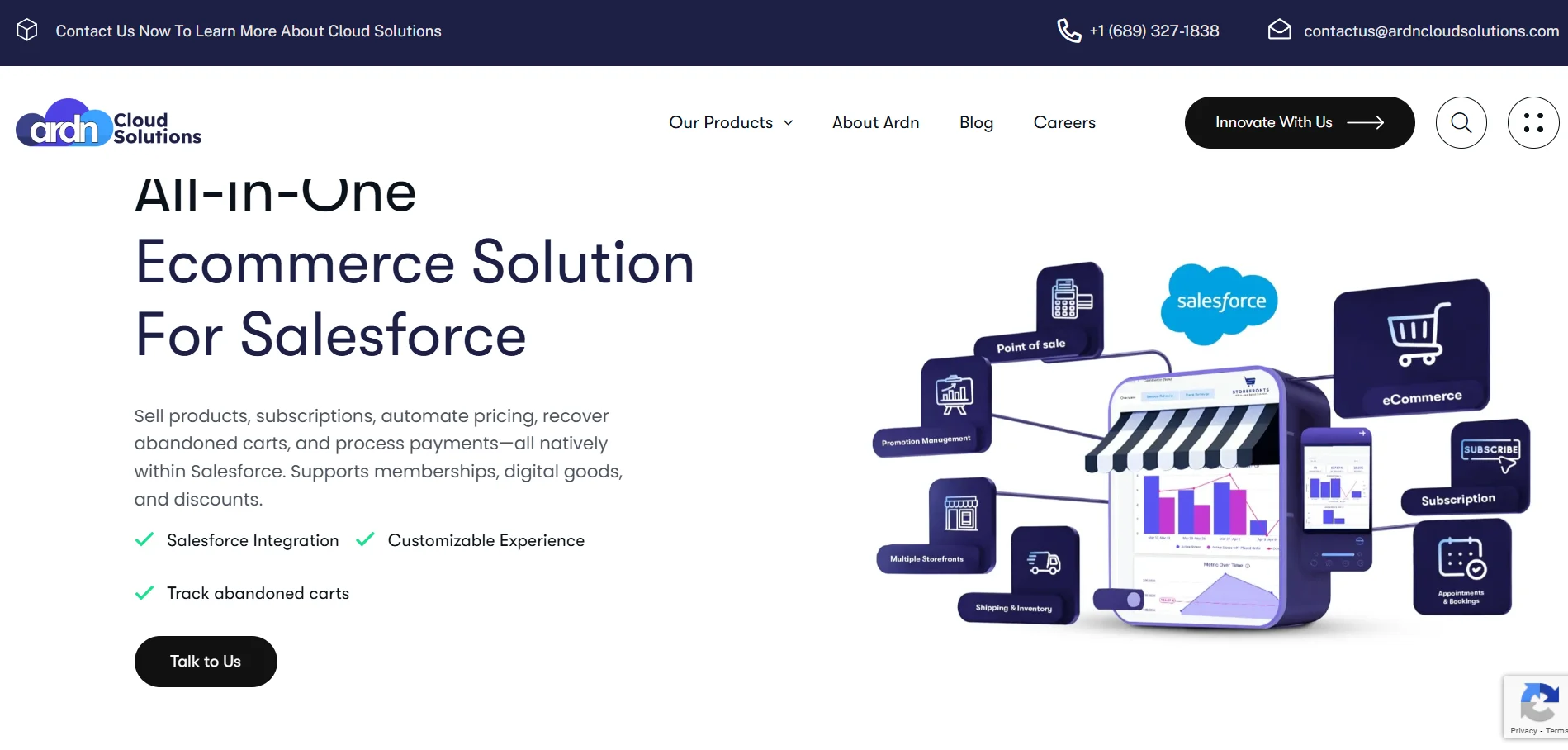
ARDN Storefronts is a fully Salesforce-native e-commerce and event ticketing solution built by ARDN Cloud Solutions. With the platform, you can handle everything in one place and cut integration costs by up to 73%!
Key Features:- Register users, manage guest lists, sell passes directly with Salesforce CRM sync
- Service booking and appointment scheduling directly in Salesforce
- Customizable appointment booking and scheduling
- Error capturing and logging
- Secure transaction with enterprise-grade encryption
- Multiple gateways are supported, including Paymentus, Apple Pay, Google Pay, Venmo, & more
- Real-time Salesforce dashboards
- Full support for Salesforce Flows, Process Builder, and Apex automation
And, most importantly, if your business runs on Salesforce, why spend on a stack of tools that can actually slow you down? With ARDN Storefronts, you keep everything in one place, so you're not jumping between systems or fixing the same billing issues twice.
And, you'll suddenly have a ton of time in your hand to focus on what matters!
If you want to see how it fits your setup, we can walk through it together. No pressure to choose… just a simple look at what you're trying to solve.
Ready to see how it fits your business?
Get in Touch! →
Blackthorn was founded in 2015 by three colleagues to solve the problem of fragmented data. They wanted to put an end to the constant confusion of shifting between Salesforce, spreadsheets, and third-party tools. Interestingly, employees own 75% of the company!
Key Features:- Drag-and-drop event builder with Event Wizard
- Personalize attendee messaging & experiences
- Set up a waitlist that automatically triggers when your Event reaches capacity
- Secure payment processing via Stripe Checkout
- Users on G2 have reported a steep learning curve. A customer shared that the platform has “...confusing object names...overall challenging to LEARN, even if you're generally tech-literate.”
- Starting at $4,800 per Salesforce organization/year
Fonteva was founded in 2010 by Jerry Huskins, Paul Lundy, and Marc Anderson. It was acquired by Togetherwork in February 2021. You can manage all your events, regardless of their size, for the same annual fee.
Key Features:- Supports all event types including in-person, virtual, and hybrid events
- Build agendas online and enable waitlists
- Event microsites and collaboration communities for year-round engagement
- Advanced registration and access to over 100 payment gateways
- A single annual license fee for events, leaves no option for trial
- Some reviews report inconsistent support
- It starts around $8,400/user per year
Advanced Communities (AC) focuses exclusively on building community and service cloud solutions for Salesforce since 2013. You get sophisticated ticketing, flexible pricing models, and unified checkout that supports event tickets, products, and donations in a single cart.
Key Features:- Built-in integrations for Zoom and Microsoft Teams
- User-friendly Event Wizard for quick event creation
- Set up and schedule recurring meetings
- Event packages, such as standard, VIP, post-payment, and paid-with-donation packages. You can also add donations when purchasing tickets
- It works on both the Salesforce Classic and Lightning interfaces
- User-based pricing can add up for larger enterprises
- Starting at $79/user/month
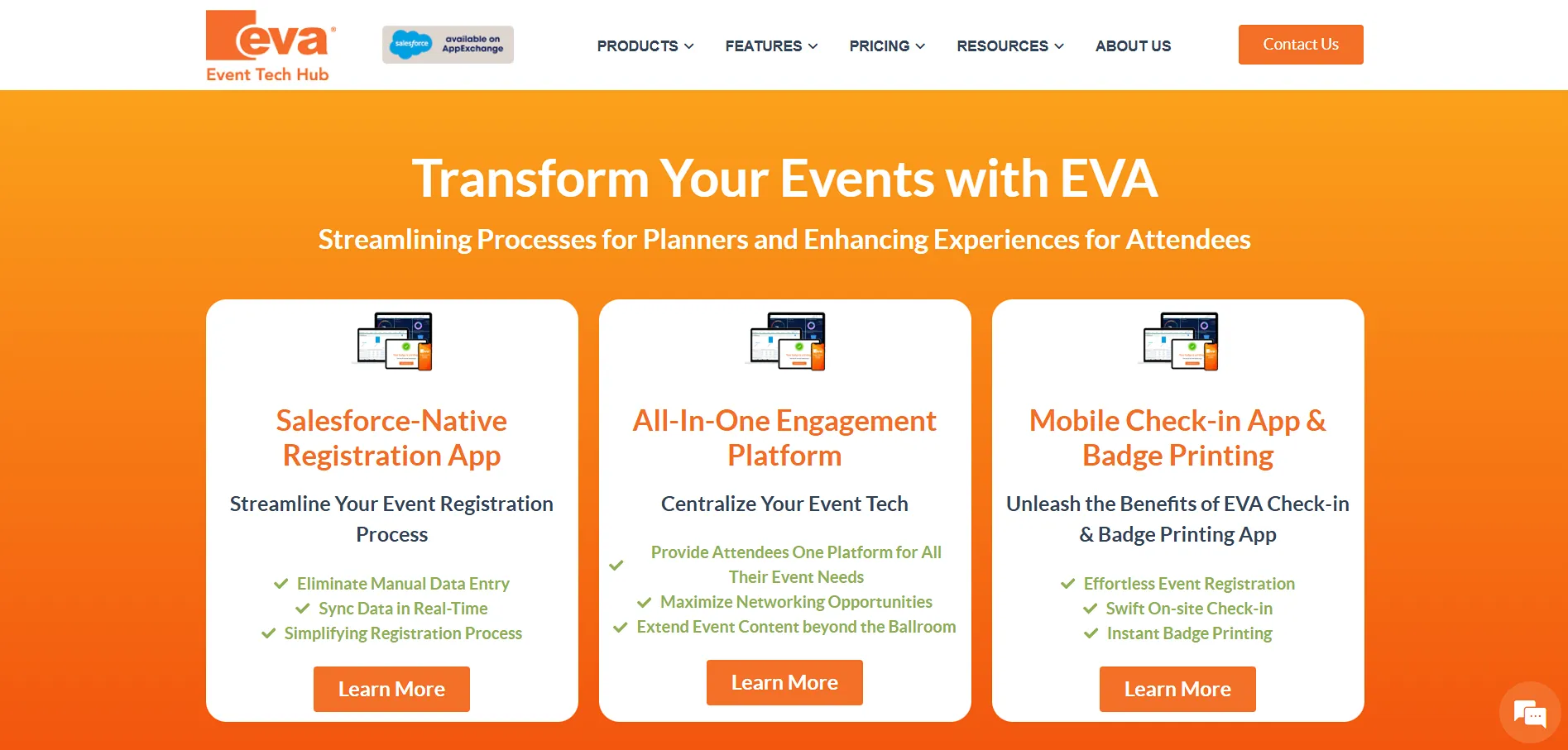
EVA Event Tech Hub provides an event management platform that is intuitive and easy to use and helps you boost attendee experiences for in-person, virtual, and hybrid events with AI-powered tools.
Key Features:- “Magic Link” for easy attendee access (no passwords needed)
- Unlimited events and unlimited attendees included in all tiers
- Customizable event pages for promotion
- Multi-session selection (attendees can register for multiple sessions)
- While customers are generally pleased with the product, there are a few that ask for more templates and customization options to design both the registration pages and conference site.
- The starter Pro Plan will cost you $5,000/year
Now, over to a couple of connectors…
#6. Ticketbud: For Pay-Per-Ticket Pricing and Customer Support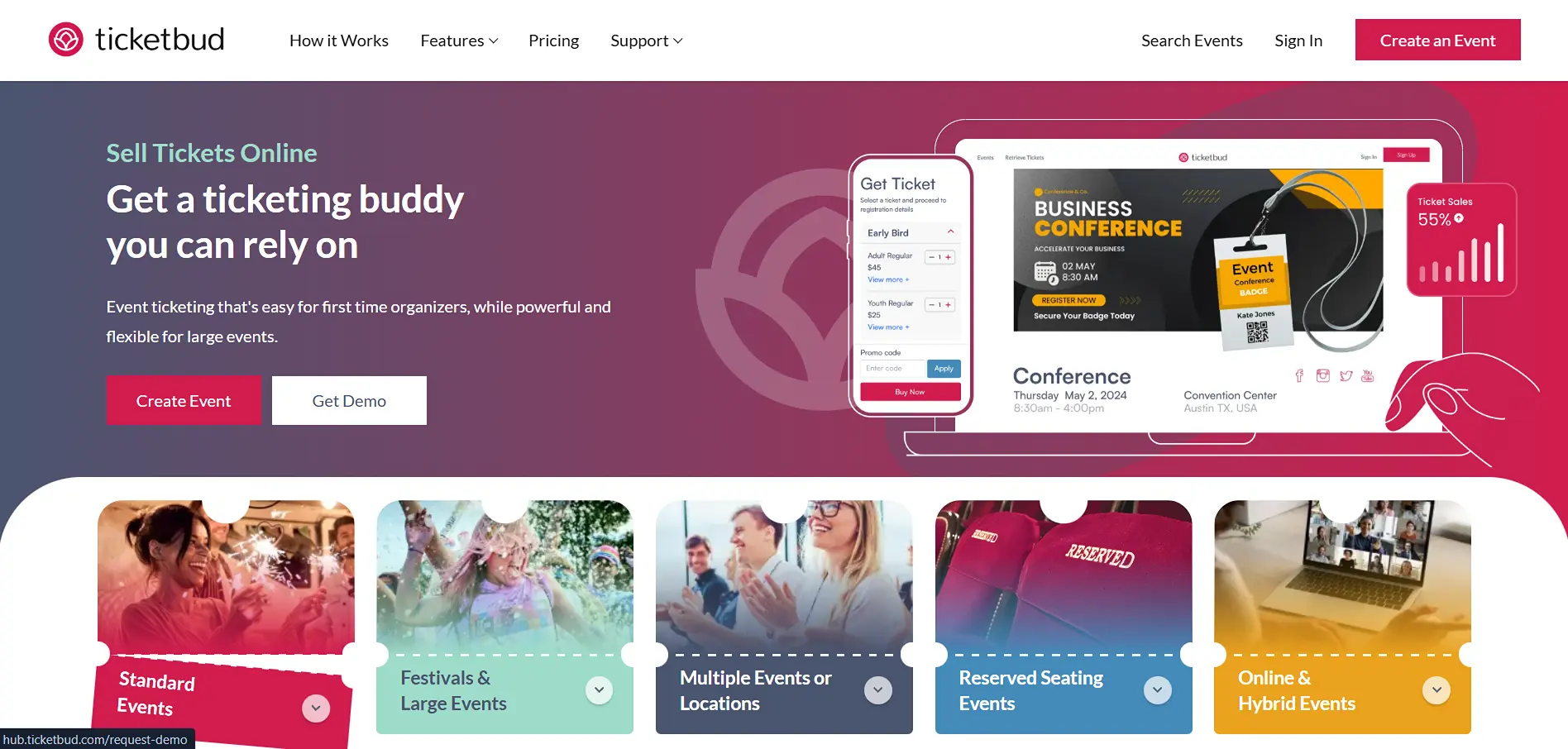
Ticketbud was created with a vision to make events and ticketing affordable for all. It operates on a pay-per-ticket model with no monthly subscription fees, making it perfect for event organizers trying to minimize upfront costs.
Key Features:- Free mobile check-in app to scan tickets and monitor attendees
- Salesforce, Facebook, Zoom, and Zapier integrations
- Customizable reports and insights
- Custom registration forms and ticket layouts
- Data sync between Ticketbud and Salesforce is not real-time. It may delay 15 minutes to hours.
- Free events have zero fees for registration and management
- Paid events are free for organizers. Attendees have to pay 2% + 99c per ticket sold along with a Payment Processor Fee of 2.9% + 30c per ticket
Eventbrite is a self-service ticketing and event marketing platform that operates as a publicly traded two-sided marketplace connecting event creators with consumers globally. It is popular for its massive consumer reach and marketing tools, making it a go-to platform for event organizers.
Key Features:- Eventbrite Organizer App to check guests in, sell tickets at the door, and track data
- Email and social media ad tools with smart audiences
- Self-service, and you can create an event in seconds
- Geo-targeted ads to promote your event in over 90 cities in the US, UK, Canada, and Australia
- While Eventbrite does offer human support, the level of support may vary based on your account and event type.
- You can publish your event for free
- Attendees have to pay ticketing fees, including a service fee and payment processing fee (if applicable)
Let's Compare The Best Salesforce Event and Ticketing Platforms!
Here's a table for a quick recap:
| Tool | Key Strength | Ideal For | Starting Price |
|---|---|---|---|
| ARDN Storefronts | All-in-one native Salesforce commerce | Mid-market & enterprise on Salesforce | $2,500/company/month* |
| Blackthorn.io | Advanced ticketing + AI analytics | Large orgs, nonprofits, big event teams | $4,800/year |
| Fonteva Events | Multi-track conferences and member pricing | Associations & large nonprofits | $8,400/year |
| AC Events Enterprise | Deep customization and unified checkout | Global orgs & membership teams | $79/user/month |
| EVA Registration | Fast setup and attendee engagement tools | Mid-market, nonprofits, planners | $5,000/year |
| Ticketbud | Low-cost per-ticket + on-site tools | Small/mid events, budget-focused orgs | $0.99 + 2% + fees |
| Eventbrite | Huge event discovery marketplace | Solo creators & entertainment events | 8–10% per paid ticket |
By the time you reach this stage, you already know what really slows teams down. So when you're evaluating tools, it helps to look beyond the usual “feature list” and check whether the platform can actually support the way you run events.
What to Look For and How to Choose a Tool (Without Second-Guessing Later)
Once you start comparing tools, everything looks the same on the surface. Sometimes, all of it! It's important to find the finest of details that cause the chaos.
The easiest way to do that is to look for three things: how you'll sell, how people will check in, and how cleanly everything lands in Salesforce, because these are exactly the areas where issues usually show up.
The tool should make it easy to run different kinds of tickets, adjust pricing without jumping through hoops, and handle capacity automatically. If you're offering member rates, early-bird pricing, or group discounts, you shouldn't need extra plug-ins or workarounds.
And since payments are where most systems break, it's worth choosing a platform that supports secure gateways natively, without rerouting data through external systems.
Literally everything depends on this part. This includes everything from collecting the correct attendee details to ensuring that people enter the venue smoothly. You want something that lets you create registration forms for your workflow, supports QR/mobile check-in, and doesn't require manual intervention for multi-session signups or guests registering on behalf of others.
This is the part that decides whether your event runs cleanly or turns into a duplicate-record storm. A platform that's native (or synced well enough to feel native) should update data instantly, work with your existing objects, and let your automations run without friction.
And if you're using Experience Cloud, the tool should fit right in so attendees can self-register without causing more data cleanup for your team.
Your reports should tell you what's happening right now in terms of ticket sales, attendance, no-shows, and revenue, and not what happened three hours ago because the sync finally completed. And since everything eventually ends up in Salesforce anyway, it saves a lot of time if your dashboards and exports are already built for it.
Quick Questions to Ask Before You Buy
Is the solution 100% native to Salesforce, or does it rely on external APIs?
How does ticket and attendee data sync with Salesforce (real-time vs. scheduled)?
Can we customize ticket types, pricing rules, and registration forms?
Does it support waitlisting for sold-out events or sessions?
What payment gateways are supported, and are there any additional fees?
What does the check-in process look like (QR codes, mobile app, manual)?
What reports and dashboards come built-in for sales, attendance, and revenue?
How does pricing scale? Is it per user, per event, per registrant, or per ticket?
The Most Common Mistakes and Best Practices
Before you decide on a ticketing platform, it helps to know where most teams usually get stuck.
It sounds fine in the beginning, but once the sync delays and small errors start piling up, it becomes one more thing your team has to babysit.
What to do instead?Always go with a native Salesforce tool if you don't have someone who can manage integrations on a regular basis.
A low monthly cost feels tempting, yes… but if the tool can't support your ticketing flow, you'll end up fixing things manually and losing more time than money.
Make sure you look at the actual cost of running it every day, not just the sticker price.
Most tools say they'll have you live in two weeks, but real setups take longer when you add ticket types, payments, testing, and approvals on your side.
Keep some buffers and loops in your Salesforce admin early so nothing gets stuck later.
A platform that works perfectly for a small event can get sluggish when your registrations increase.
Test with numbers that match your busiest seasons, not your current load.
Ticketing means payments, personal details, and a lot of sensitive data. This part can't be ignored.
Do confirm that the tool handles PCI and privacy requirements properly and that your data stays encrypted.
A long feature list doesn't help if your team finds the system confusing or if attendees get stuck during registration.
You should let actual users try the registration and check-in flow and see how naturally it works.
Okay… So What Now?
At the end of the day, it honestly comes down to what you need and how your team works. Some events are simple enough to manage with lighter tools. Others get messy fast, and you can feel every tiny delay when systems refuse to talk to each other.
When you keep everything inside Salesforce, ticketing stops feeling like a game of balance. Your data stays in one place, workflows actually run the way you planned, and you don't spend hours fixing sync issues. Native tools simply handle this better because nothing needs to “talk” to anything else. It's already there.
And if you want a platform that goes beyond just selling tickets, ARDN Storefronts gives you the full setup, including events, memberships, appointments, and payments, all running directly in Salesforce. You need not worry about our data drifting off somewhere else in between...
If you want to see how it fits into your system, we can walk through it together. Just reach out whenever you're ready!