
Ninety-one percent of Salesforce customers use AppExchange apps. That one number alone explains why choosing the right Salesforce Commerce solution can feel like a maze.
One minute you’re confidently opening a new tab, and the next thing you know… you’re 12 reviews deep, comparing feature tables, checking pricing PDFs, and wondering why every vendor claims they “integrate seamlessly.”
And honestly, we’re not imagining the chaos. B2B buyers today consult anywhere from 4 to 10 different sources before making a decision. What makes it even trickier is trust. Nearly 41% of buyers struggle to find reliable information.
So, it’s no wonder the average buying cycle stretches from one to six months.
To cut through all that research, this guide brings everything together in one place, including context, comparisons, and the clarity you need to confidently choose the best Salesforce Commerce AppExchange solutions
Best Salesforce Commerce AppExchange Solutions
Before we get into the best Salesforce Commerce solutions, it helps to know that teams usually take one of two routes when they set up e-commerce on Salesforce.
Path A is the native setup, where your storefront, data, and workflows all sit inside Salesforce.
Path B works through AppExchange integrations, where you add the specific tools you need for selling, subscriptions, payments, or fulfillment.
Both paths get you to the same goal. One keeps everything in one system. The other lets you mix in tools that match your exact needs. Knowing which direction you lean toward will make the tools list feel a lot clearer.
i. Salesforce Native AppExchange Solutions for Commerce
#1 ARDN Storefront: The All-in-One Native Salesforce Commerce Solution
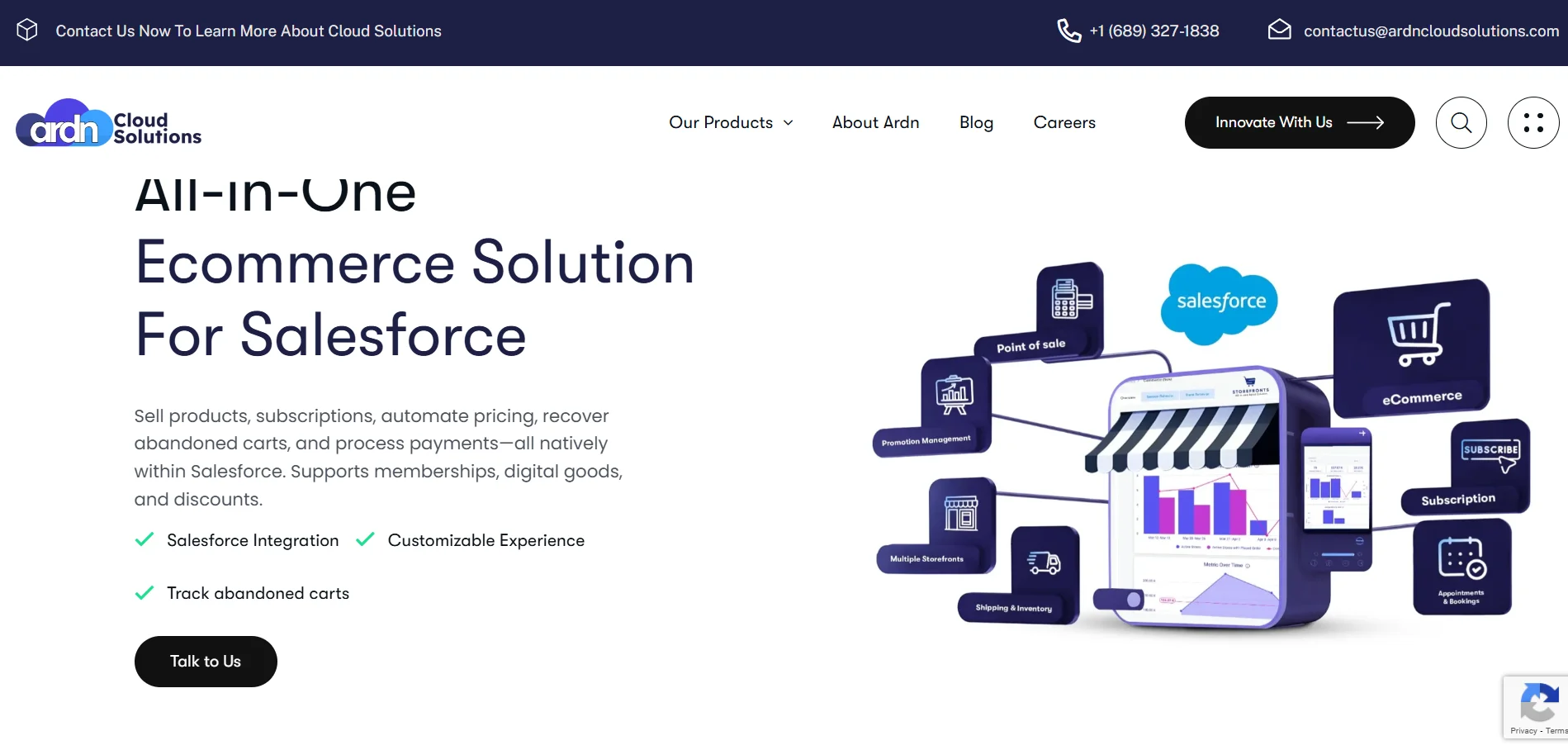
ARDN Storefronts is a native Salesforce managed package built for teams that want their entire e-commerce engine living inside Salesforce.
Everything you need to sell sits in your org. Products, subscriptions, memberships, donations, appointment scheduling, and event ticketing are all handled within Salesforce itself. There are no third-party storefront platforms, external checkout pages, or middleware that quietly move data around in the background.
Storefronts simply lets you extend that foundation instead of shifting between multiple tools and hoping the integrations behave. If your goal is to eliminate the mess of disconnected systems, unify customer data, and get rid of slow manual syncing, Storefronts is built for that exact problem!
What makes ARDN Storefronts stand out?
- E-commerce for Physical and Digital Products: Create product catalogs, pricing rules, variations, discounts, and more.
- Subscription and Membership Management: Automate renewals, billing cycles, membership tiers, and access rules. You also get built-in booking, with appointment scheduling handled inside Salesforce.
- Event Ticketing: You can manage registrations, ticket sales, seating options, and capacity management.
- Inventory and Pricebook Management: Easily track inventory, manage warehouses, and update pricebooks and promotions.
- Payment Processing: Integrates with providers like Stripe, Paymentus, and others and payment types like ACH, credit card, GPay, Apple Pay, and PayPal. You also get PCI-compliant payments and enterprise-grade security.
- Abandoned Cart Recovery: Set up automated reminders for incomplete purchases.
- Multi-Storefront Support: You can manage multiple storefronts from a single Salesforce org.
- Native Reporting and Dashboards: Storefronts lets you build reports directly in Salesforce without exporting anything.
Pricing:
- Starts at $2,500/company/month
“Ardn Cloud Solutions went beyond our expectations, implementing a hands-on, cost-saving approach that has been invaluable to our business. Their strategic focus on high-impact efficiencies transformed our operations, delivering substantial cost reductions and measurable improvements throughout our processes.”
-Jay Vashi, Salesforce Delivery Manager for Fortune 500 insurance company
If Salesforce is already the system your business leans on, Storefronts fits into that rhythm naturally. It makes commerce feel like an extension of your CRM instead of another tool you’re trying to make behave
#2 StoreConnect: For POS and Unified Commerce
StoreConnect isn’t a “bolt-on” solution. Using standard Salesforce objects (products, orders, accounts, etc.), it embeds commerce capabilities directly in your Salesforce organization. That means you can manage multiple storefronts, regions, currencies, and even POS terminals, all under one roof.
Key Features:
- Integrated eCommerce + Point of Sale: Online and in-store sales use the same inventory and customer data.
- Multi-Store, Multi-Region, Multi-Currency Support: Great for organizations operating across geographies or with diverse storefronts.
- POS Integration for Retail & On-Site Sales: Desktop or tablet-based checkout, support for card terminals, cash drawers, receipt printers, and barcode scanners, fully tied into your Salesforce backend.
Pros:
- Users appreciate the tool’s ease of use and easy connectivity into an organization’s Salesforce stack
Cons:
- Transaction fees (0.2%-0.6%) add up for high-volume brands
Pricing
- There is a 90-day free trial.
- Pricing starts with the Boutique Plan for s
#3 Commerce Studio by 1440: for Omni-Channel Order, Inventory, and Logistics Management
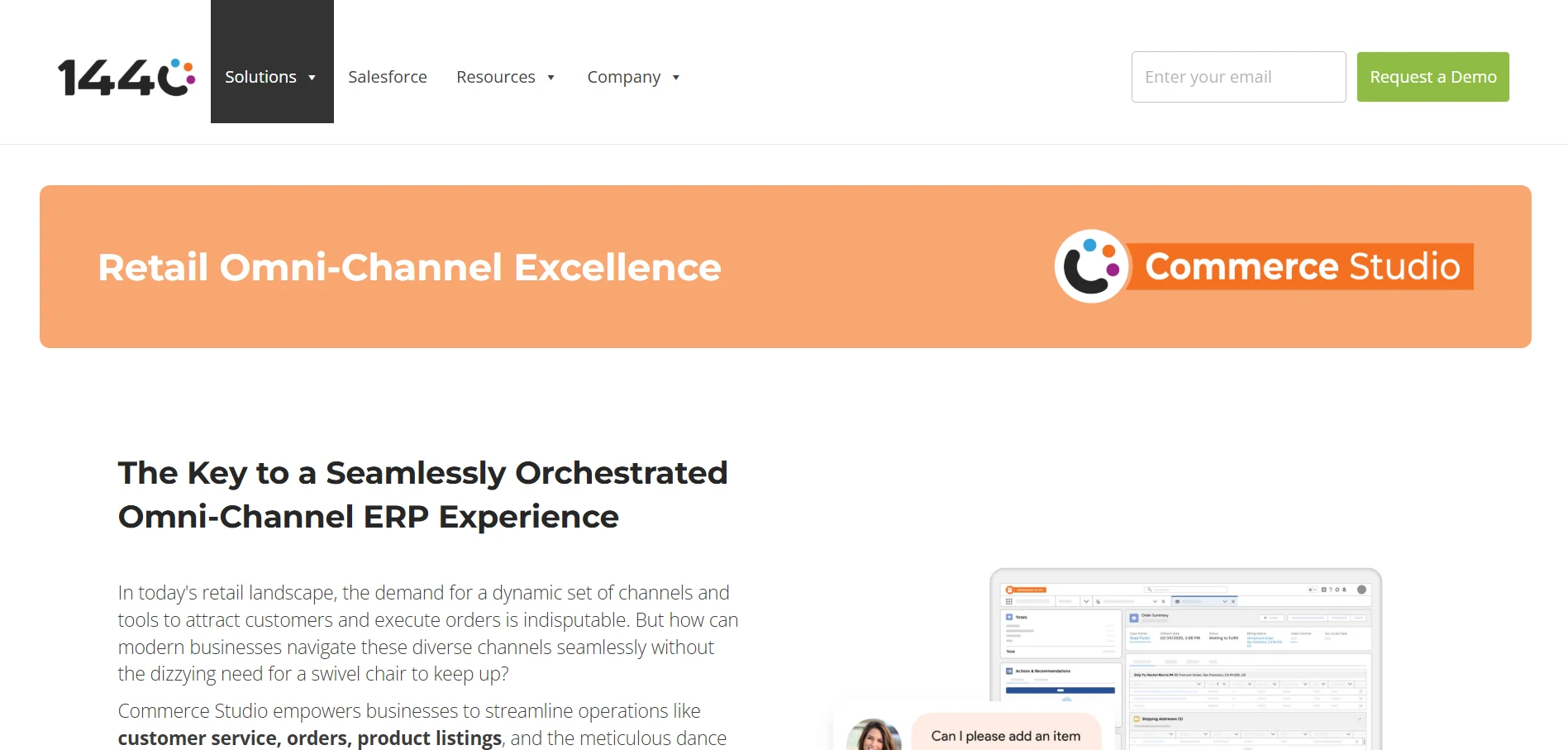
Founded by Jon Jessup, Commerce Studio by 1440 brings decades of Salesforce experience (including several former Salesforce employees) and a strong track record in building retail-focused Salesforce apps.
Key Features:
- Multi-Channel Order Management: Pull in orders from your website, Amazon, Walmart, eBay, and Shopify into one Salesforce dashboard
- Real-Time Inventory Sync: Inventory updates instantly across all channels. You can also manage product data centrally
- Payment Processing Inside Salesforce: You get PCI-compliant payment handling tied directly to orders.
Pros:
- Create and edit customer orders for multiple channels
Cons:
- Some customers feel the UI can be improved.
Pricing:
- The starting price is $300/month/user for the Essentials Plan
#4 EPOSLY: For In-Person Payment Processing
EPOSLY is a 100% Salesforce native payment processing solution that lets you deliver frictionless checkout experiences for in-store transactions, mobile payments, online checkout, and inventory synchronization.
Key Features:
- Multi-Location POS Management: You get control and visibility over multiple locations and can manage location-specific user roles, tax structures, and operational workflows.
- Order management and inventory: You can prevent stockouts, track cashiering, and streamline transactions with real-time Salesforce POS updates.<//li>
- AI-powered Recommendations: The AI engine helps you create customer-specific product recommendations that improve customer experience. It also lets you anticipate customer needs and offer high-relevance recommendations.
Pros:
- In-person payments and service desk checkout.
- Industry-specific checkout.
Cons:
- It is expensive for small businesses seeking budget POS solutions.
Pricing:
- Starting at $7,500/Org/year
ii Salesforce AppExchange Integrations for Commerce
#5 Nexternal Solutions: For B2B and B2C Order Management
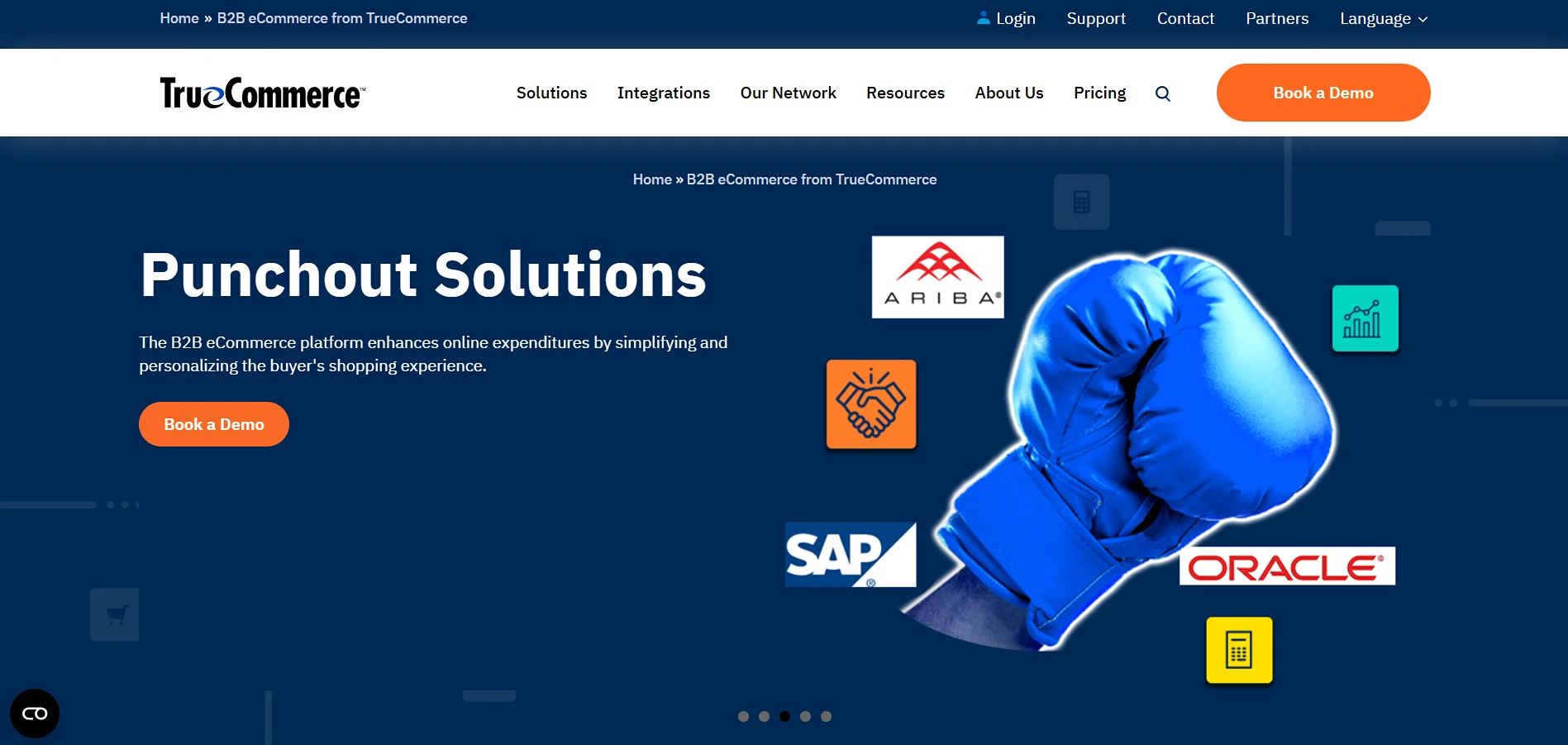
TrueCommerce acquired Nexternal in 2015. B2B teams primarily use Nexternal to manage volume pricing, custom catalogs, and ERP workflows. It acts as a single hub for all pricing, promotions, status, and customer care related to the order management lifecycle.
Key Features:
- Intelligent Pricing: The platform supports multiple pricing lists for a single account, and you can show custom pricing for products based on the shipping location.
- Advanced Promotions: Their advanced promotions are intuitive and let you intelligently target specific groups of customers.
- Punchout: It lets you integrate your customers’ procurement systems, such as SAP, Oracle, etc., into our B2B eCommerce solution.
Pros:
- They have a variety customizable settings
- Users appreciate their personalized services too.
Cons:
- Community feedback notes concern that the platform does not appear to be a strategic focus compared to newer TrueCommerce offerings
Pricing:
- Nexternal eCommerce Connector is $2400/year.
#6 Live Story Inc.: For No-code Composable Content and Visual Storytelling
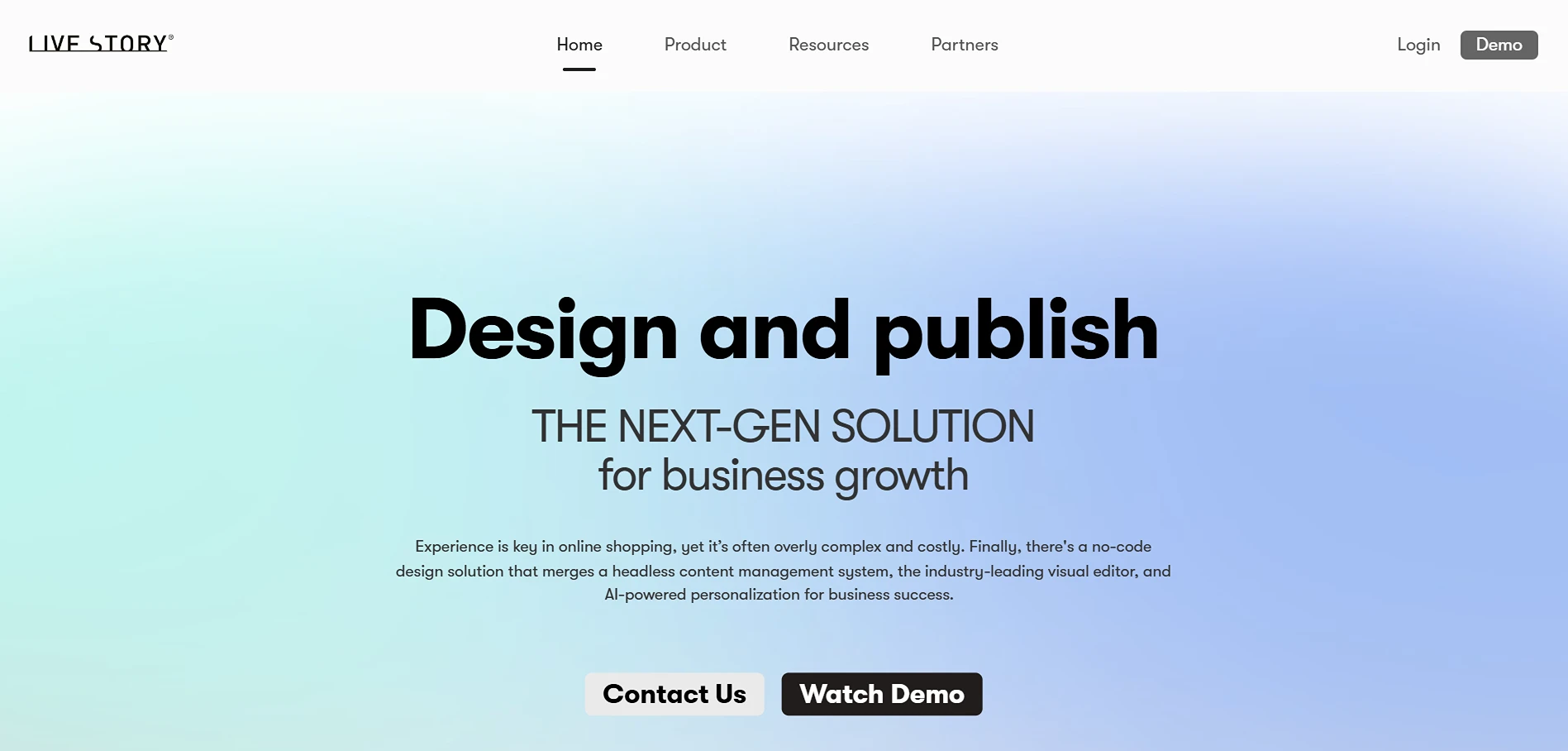
Live Story Inc. is a no-code omnichannel platform that combines a headless CMS, freehand visual editor, and AI-powered personalization to let business teams create rich commerce and editorial experiences without writing code. With a single click you can spread your content across multiple destinations, including offline and online integrations.
Key Features:
- SEO Friendly: Live Story automatically creates SEO-friendly versions of your layouts.
- Personalized Customer Experiences: You can design and manage personalized carousels that showcase real-time information such as available sizes, promotions, additional pictures, labels, and more. The platform uses Einstein’s AI-powered tools for this.
- Omnichannel Content: You can connect your smart TV or LED video wall with our Android TV app.
Pros:
- A user on AppExchange has shared that their “partnership has accelerated our creative output without compromising on high-end design or complex programming.”
Cons
- Recent G2 reviews mention that response times from customer support can occasionally be slower than expected.
Pricing:
- The starting price is $600/company/month
#7 Narvar: For AI-powered Purchase Tracking
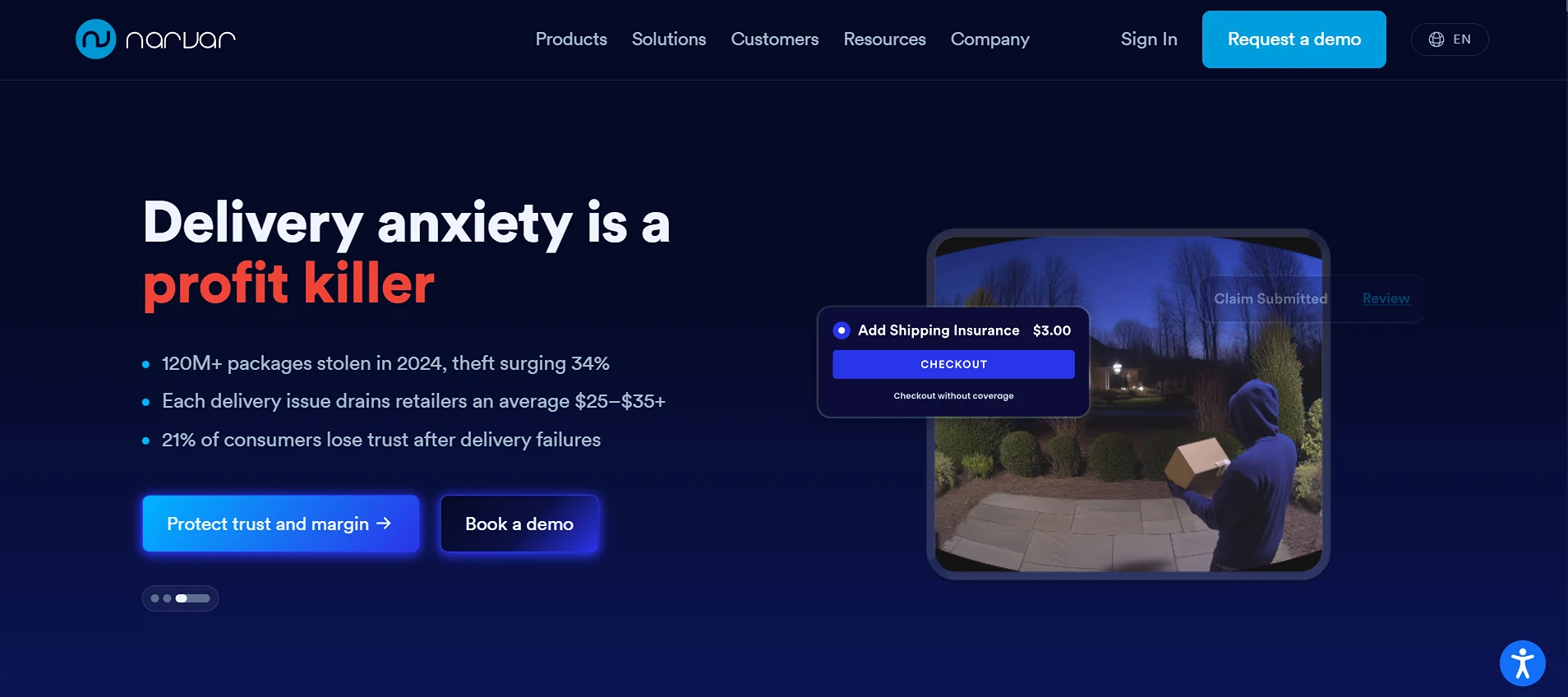
Narvar is a customer experience platform for e-commerce, where you can manage everything from the pre-purchase to post-purchase journey to using AI to personalize experiences.
Key Features:
- Narvar Promise: You can schedule promise dates at checkout to significantly help with increasing purchase confidence.
- Narvar Secure: This makes sure your delivery experience is up to par and resolves the issue of porch piracy and lost packaging.
- Narvar Assist: Assist works with IRIS™, which is Narvar’s proprietary AI intelligence. It helps you detect fraud in real time.
Pros
- IRIS™ and modules like Shield can prevent a significant share of delivery‑claim and return fraud
Cons
- Users have reported limited customization options.
Pricing:
- Pricing is customized based on your requirements.
A Comparison: The Best Salesforce Commerce AppExchange Solutions
<
| Tool | Best For | Ideal Clients | Starting Price |
|---|---|---|---|
ARDN Storefronts | E-commerce, subscriptions, memberships | Mid-market Salesforce teams | $2,500 USD/comp/month |
StoreConnect | E-commerce + POS + memberships | Nonprofits, retail, education | $995/month + % of sales |
Commerce Studio by 1440 | Order & inventory management across channels | Multi-channel retailers | $300/month/user |
EPOSLY | POS and payment processing | Retail, healthcare, nonprofits | $7,500/Org/year |
Nexternal Commerce | Legacy B2B/B2C e-commerce | Mid-to-enterprise B2B companies using ERPs | $2,400/year |
Live Story Inc. | No-code, visual content and layout creation | Retail and e-commerce brands, and retail media teams | $600/comp/month |
Narvar | Post-purchase & returns management | Retailers with returns focus | Custom enterprise pricing |
Why Use Salesforce AppExchange Solutions?
If you’re already running your business on Salesforce, the AppExchange isn’t just a marketplace. It’s the safest and fastest way to extend what your org can do without taking on extra risk or technical debt.
What makes the AppExchange worth relying on?
Every app is security vetted
Salesforce puts each listing through strict security reviews, so you’re not installing something untested or risky. For most teams, this alone removes months of compliance headaches.
Install and get moving quickly
Apps are designed to fit naturally into Salesforce. No need for heavy implementations or messy custom integrations. If your team knows Salesforce, they’ll pick this up fast.
Built for long-term use
AppExchange vendors follow Salesforce’s update cycles. You get compatibility updates, new features, and ongoing fixes without having to chase vendors or rebuild things every year.
Trusted by the ecosystem
With 91% of Salesforce customers using AppExchange apps, you’re choosing tools that fit naturally into how Salesforce teams already work.
How to Choose the Right App: A Simple 5-Step Evaluation Funnel
Here’s a quick approach you can use to narrow down your options:
1. Define the Actual Business Problem
Focus on the outcome you want, not the tool you think you need. Instead of saying “we need a payment app,” clarify the real goal. More like:
- We need to accept local payments in 10 markets
- We need to reduce manual order sync between systems
- We need one place to manage all customer transactions
Successful decisions start with specific problems.
2. Map Your Functional Requirements
List the non-negotiables. What does the app absolutely need to do for your team to succeed? Think in terms of features, workflows, limits, and any must-have operations it should support.
3. Evaluate Technical and Operational Fit
Check whether the tool plays nicely with your current Salesforce setup and whether your team has the bandwidth to implement and maintain it. A great feature set won’t help if the integration or upkeep is too heavy.
4. Assess Total Cost of Ownership (TCO)
Go beyond the license fee. Factor in implementation, training, support, required add-ons, and any long-term operating costs. This gives you a real picture of what it will cost to run the app, not just buy it.
5. Test and Validate Before You Commit
Use free trials, sandbox installs, and vendor-backed demos to see how the app behaves with your actual workflows. Pay close attention to the support experience during this phase. It often signals what you can expect after going live.
Mistakes to Avoid When Choosing a Salesforce Commerce AppExchange Solution
Before you shortlist vendors, it helps to know the common missteps teams make and how to sidestep them. Here are the big ones:
Choosing an App Before Defining the Commerce Workflow
Teams often start with, “Which app looks good?”
The better question is, “What’s the actual flow we need from storefront to fulfillment?”
Avoid by asking:
- What happens after a customer places an order?
- Where does inventory live?
- Who needs visibility at each step?
Ignoring Salesforce Native vs Integrated Architectures
Not all “Salesforce apps” work the same way. Some are fully native, and others rely heavily on APIs.
Avoid by asking:
- Do we want data stored directly in Salesforce or synced in from outside?
- What’s the risk if sync delays or external connectors fail?
Not Checking Integration Fit With Existing Tools
A strong e-commerce stack collapses fast if your existing systems don’t talk to your new solution.
Avoid by asking:
- Will this app connect cleanly to our ERP, PSP, WMS, or subscription systems?
- Can it scale with our current and upcoming integrations?
Underestimating Implementation Work
Teams sometimes assume AppExchange apps plug in instantly. Many still need configuration, data cleanup, and workflow mapping.
Avoid by asking:
- How much internal bandwidth do we have?
- What support does the vendor provide during setup?
Not Aligning the tool With Team Capacity
Even the best tool fails if the team can’t maintain it.
Avoid by asking:
- Who will own the app after implementation?
- Do we have admins trained for this?
So…Which AppExchange Solution Will Fit You Best?
Choosing the right Salesforce Commerce solution is all about building an ecosystem that actually supports the way your business sells, serves, and scales. When you match the right app to the right problem, your team feels the difference immediately.
And once you’ve narrowed things down, the final step is finding a partner who can help you get everything working the way you imagined. That part matters more than most people think. The right partner will not only guide implementation but also help you get value out of Salesforce in ways you might not even be using today.
If you’re planning your next phase of growth on Salesforce and want a commerce setup that handles storefronts, memberships, events, appointments, and payments in one place, ARDN Storefronts is worth a look. It’s built for teams that want everything running directly inside Salesforce, without managing a dozen tools in the background.
Whenever you’re ready, we’re here to help you figure out your best path forward on Salesforce.
